Get Started
Update ShotGlass
Install an update
- 1
Click Update to v… in the editor header
It only appears when there is a new version.
- 2
Save your project, then click Quit & Update
- 3
Drag ShotGlass onto Applications and click Replace
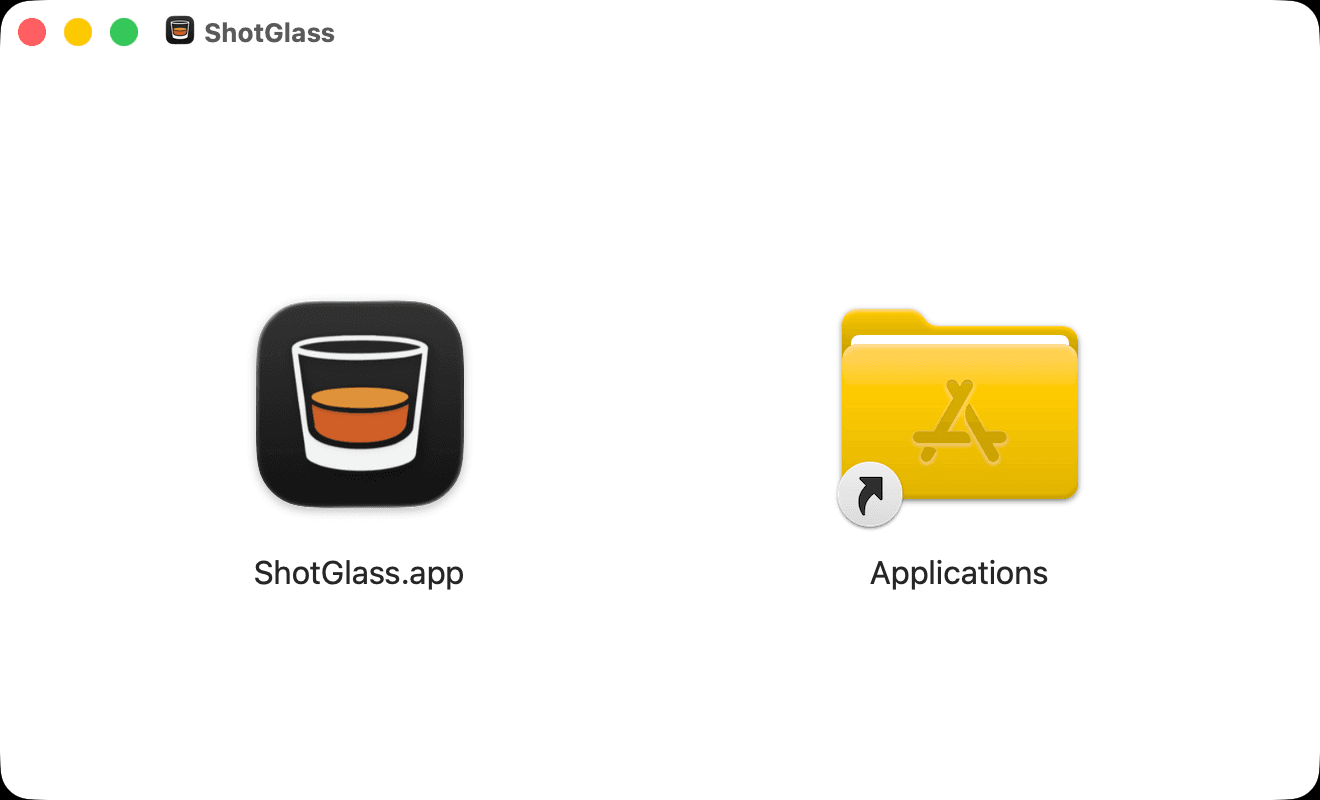
- 4
Reopen ShotGlass from Applications
Your projects and license are untouched.
If the download fails
- 1
Click Retry in the update window
- 2
If it fails again, download the DMG directly and install it the same way
Something missing or out of date?