Capture something
Take a screenshot
Screenshot one window
- 1
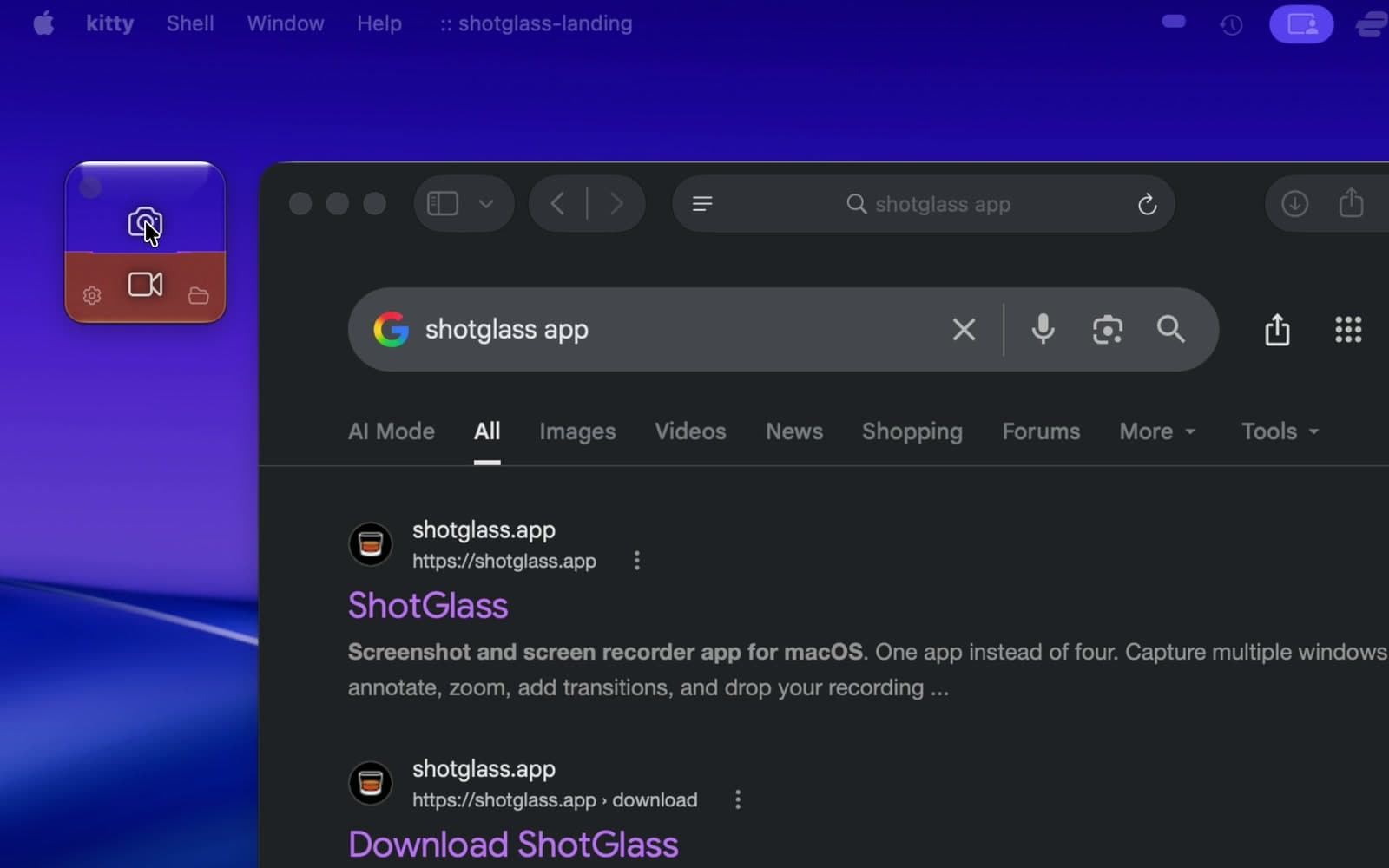
Click the camera
Or press ⌃⇧S (Control–Shift–S).
- 2
Hover a window, then click Capture
The pointer is left out of your screenshot.
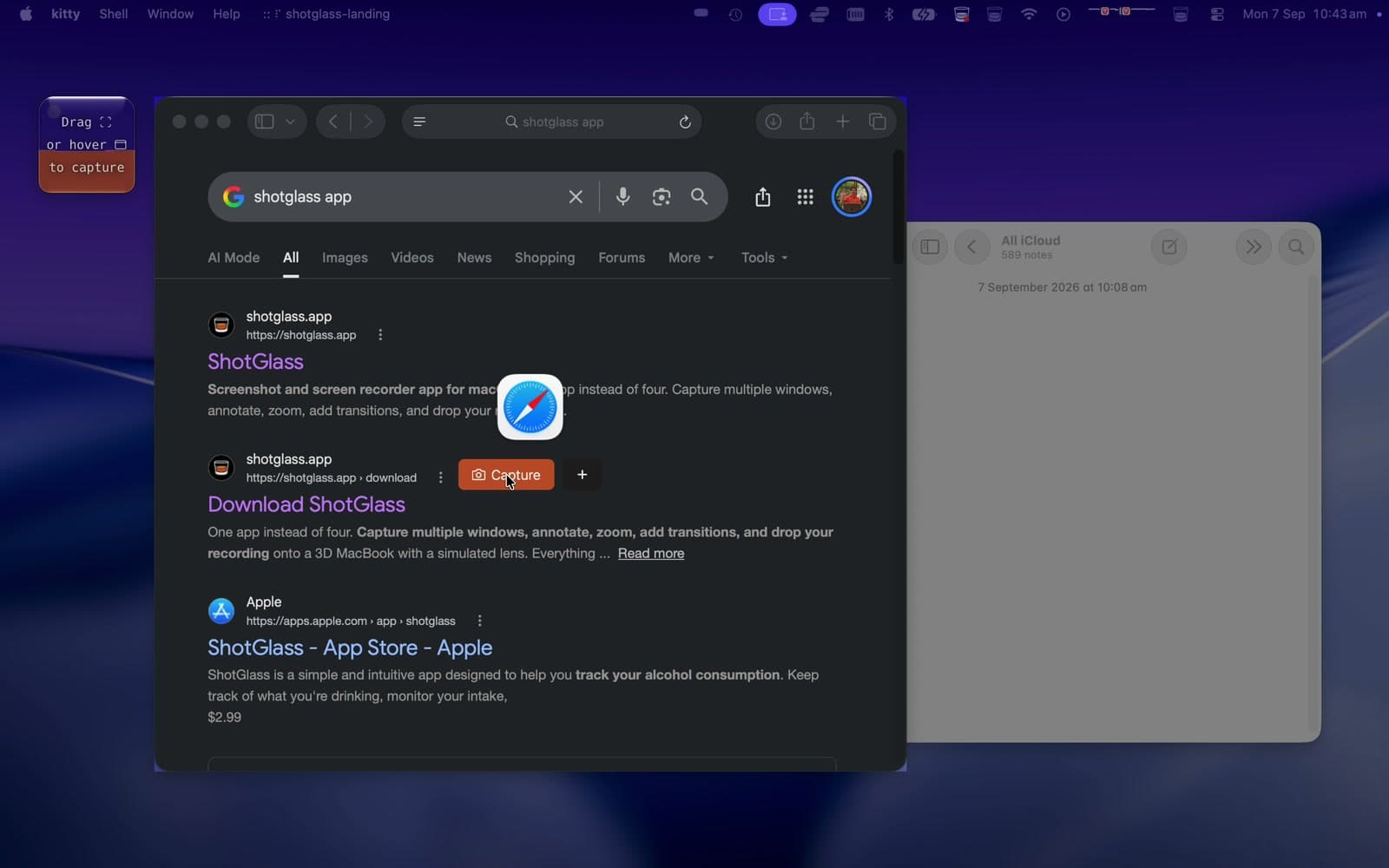
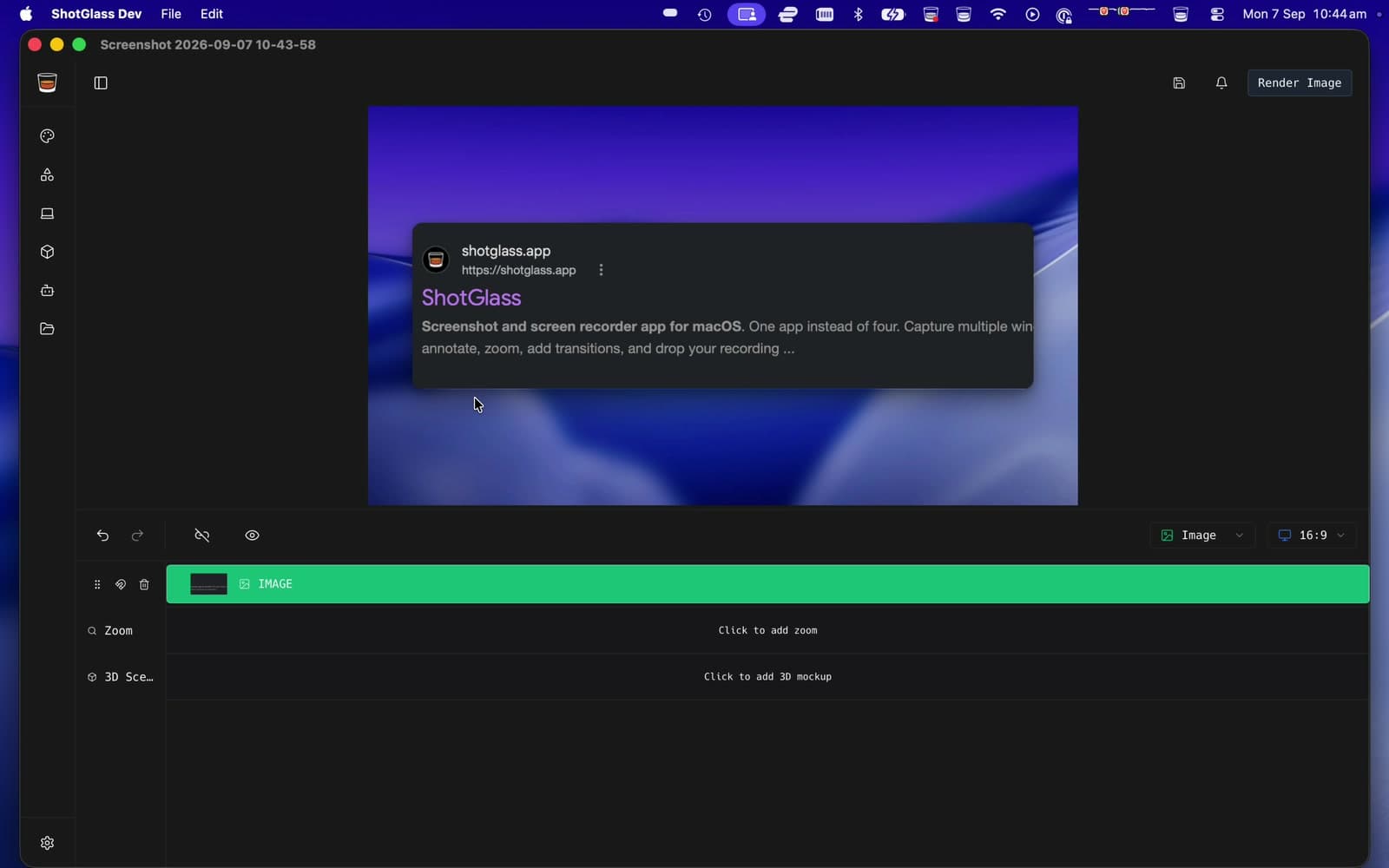
You should see: The screenshot opens in the editor as an image project.
Screenshot an area or a whole screen
- 1
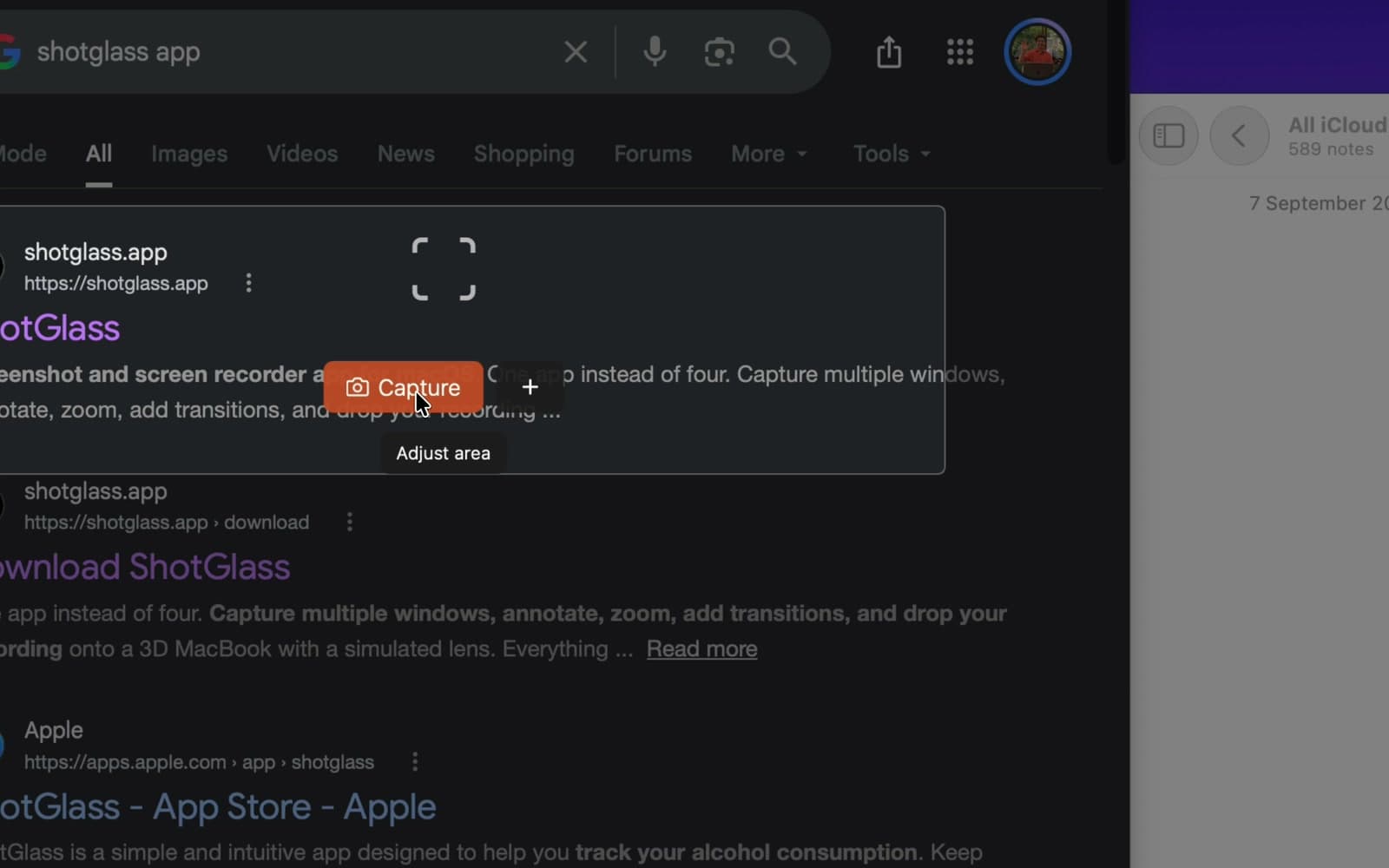
Drag an area, then click Capture
Keep the content inside the outline.
- 2
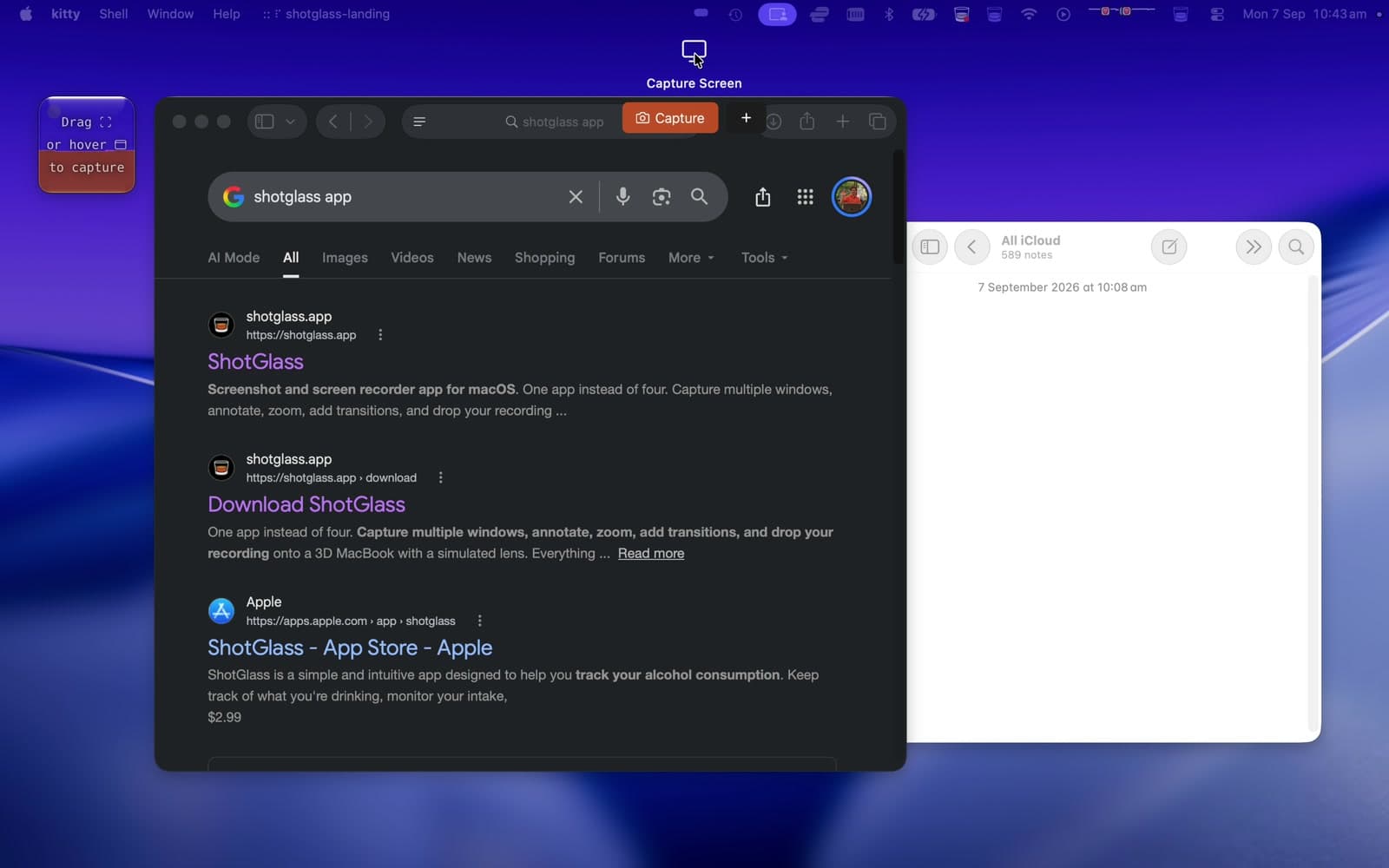
Move to the top edge, then click Capture
Captures the whole display.
What to do with it next
- 1
Select the image on the timeline
Crop or resize it in the inspector.
- 2
Click Background to style a window screenshot
Add one backdrop. Keep full-display screenshots edge to edge.
- 3
Click Annotate for arrows and labels
Click Render Image to export.
Something missing or out of date?