Capture something
Record one window
Start recording
- 1
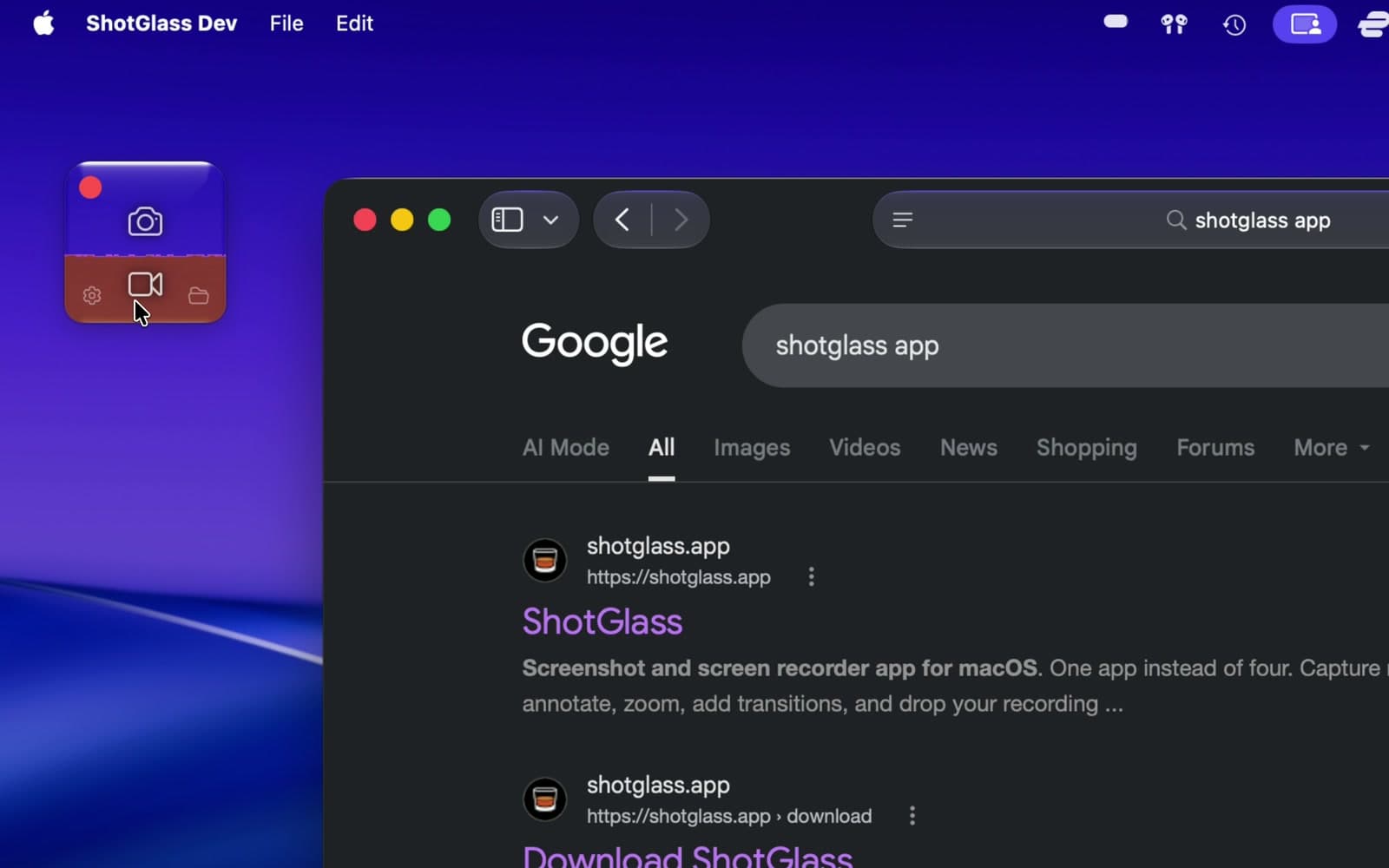
Click the video camera
Or press ⌃⇧R (Control–Shift–R).
- 2
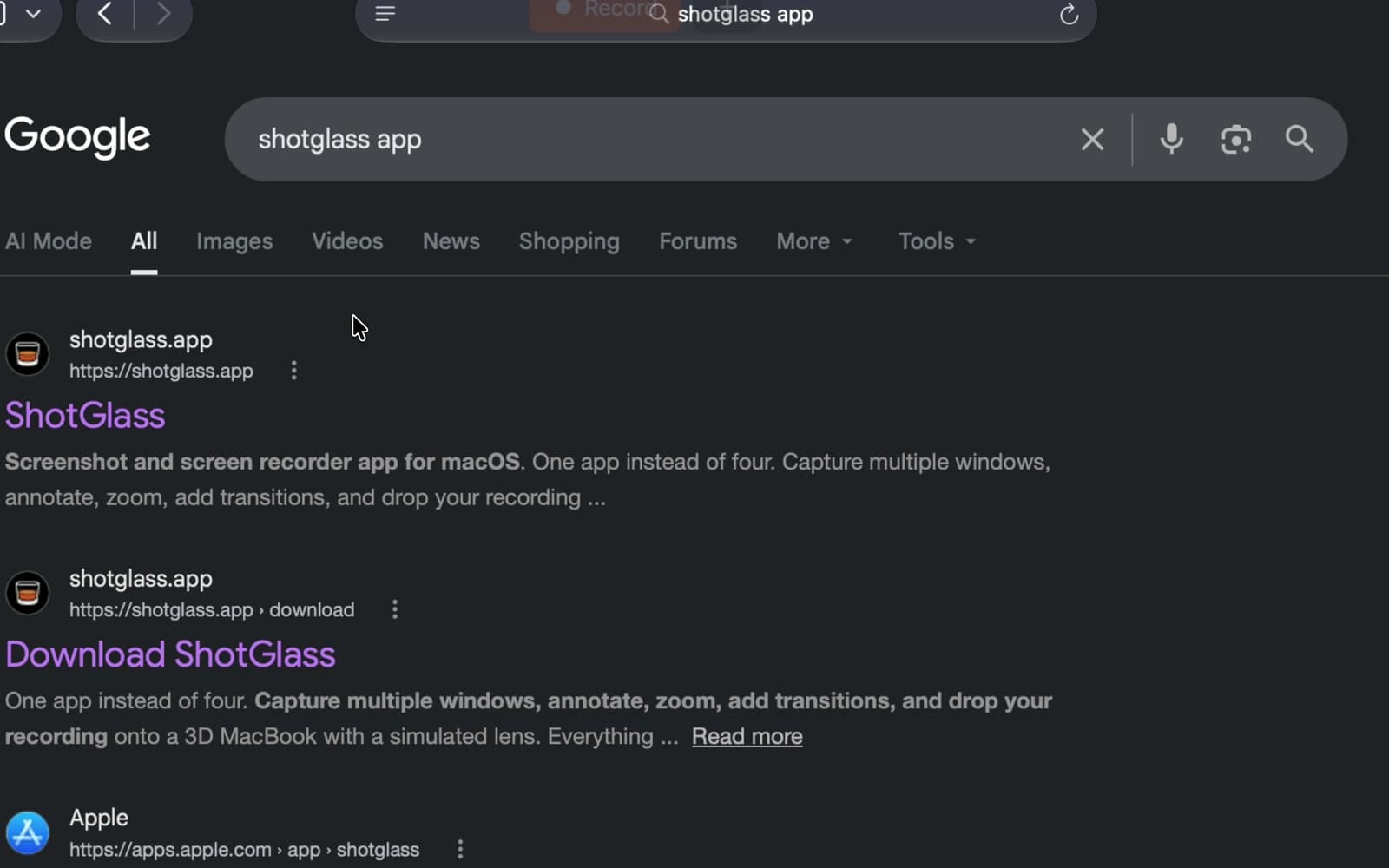
Hover over your window
Check the outline includes the whole window.
- 3
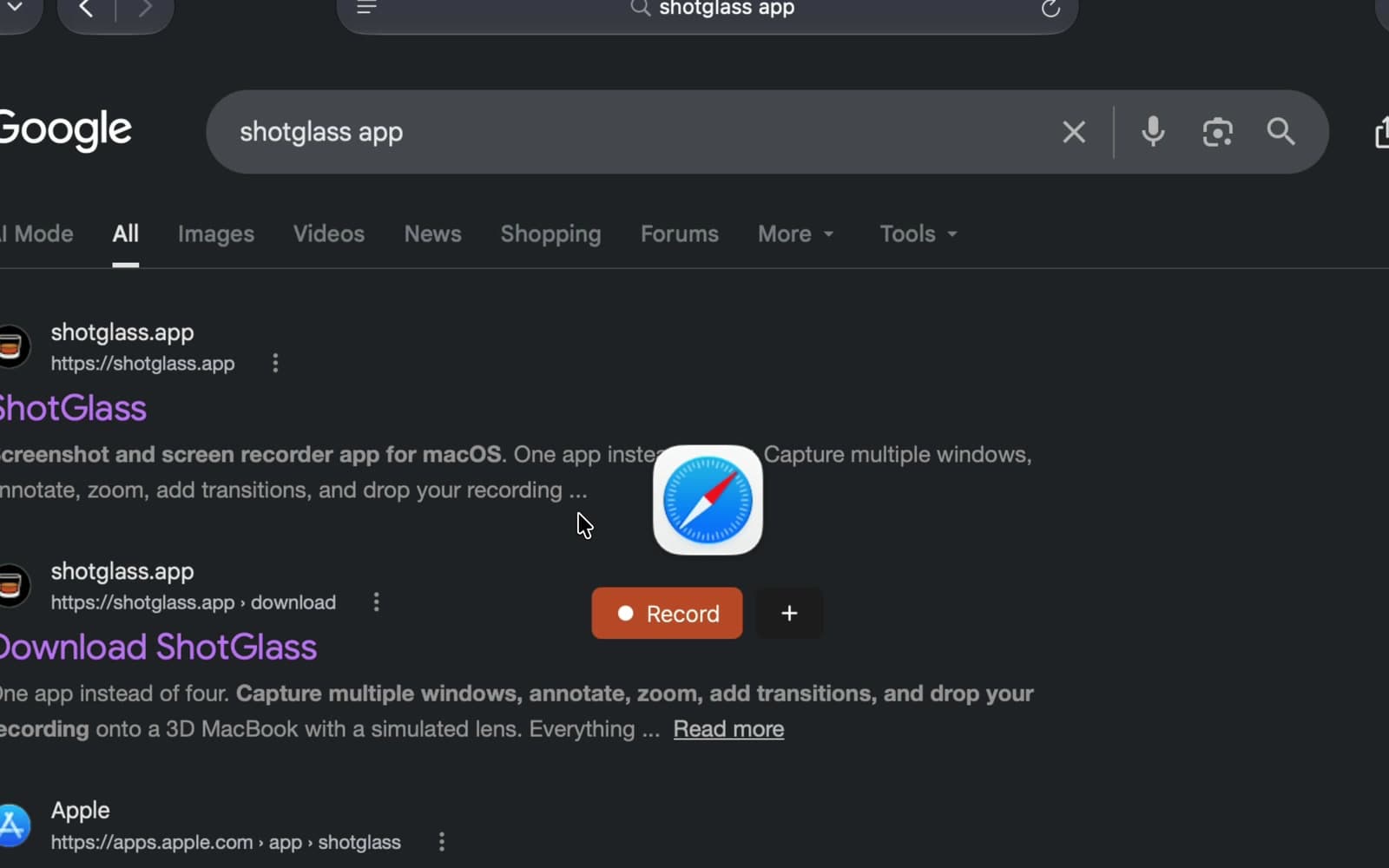
Click Record
Use + only when adding another window.
Stop recording
- 1
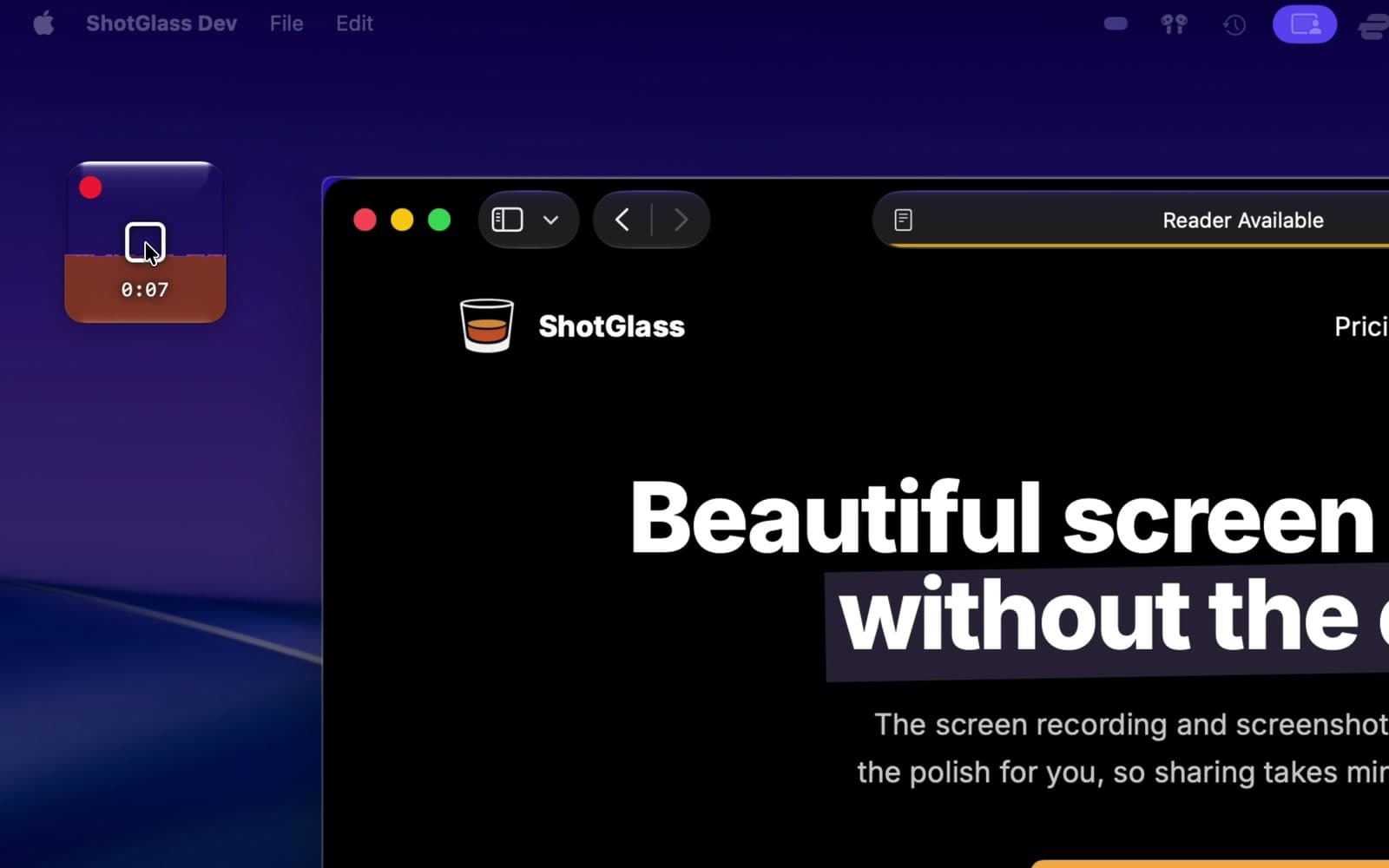
Click Stop
Your recording opens in the editor.
Something missing or out of date?