ShotGlass
/
Documentation
Search docs...
⌘ K
Download
Browse documentation
Get Started
Install ShotGlass and grant permissions
Update ShotGlass
Troubleshoot ShotGlass
Capture something
Record one window
Record an area or full display
Take a screenshot
Capture multiple sources
Record system audio, microphone, and camera
Change recording settings and shortcuts
Manage projects
Find and organise projects
Open an existing project, video, or image
Edit your video
Find your way around the editor
Change editor settings
Trim, split, and arrange the timeline
Edit a video or image layer
Change the background and window style
Change the cursor and click effects
Add automatic or manual zooms
Edit the camera overlay
Add arrows, text, and shapes
Add text and captions
Record a voiceover
Add video, image, or audio
Audio Editing
Make it 3D
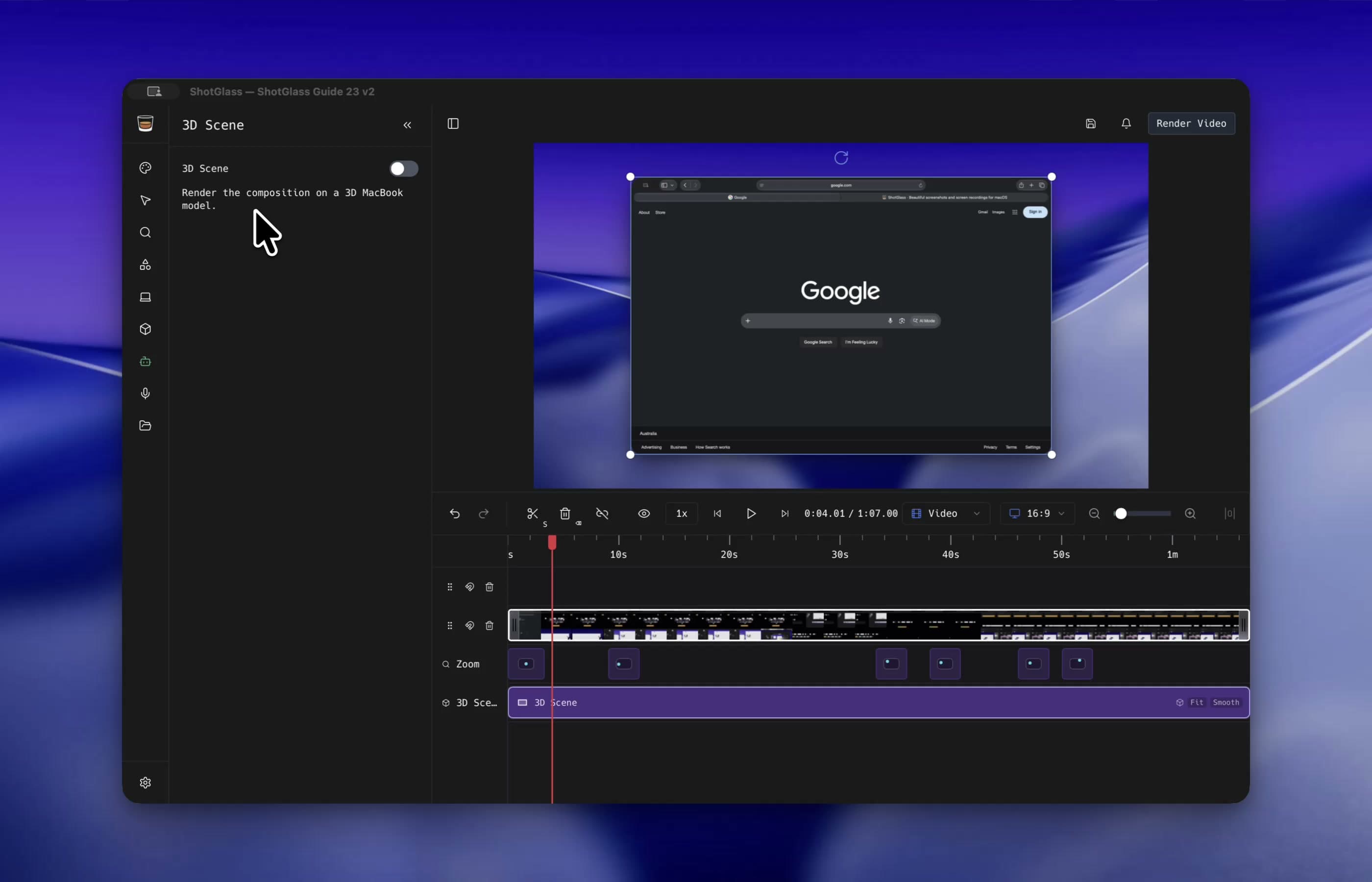
Build and polish a 3D MacBook scene
Add a 3D object
Export your work
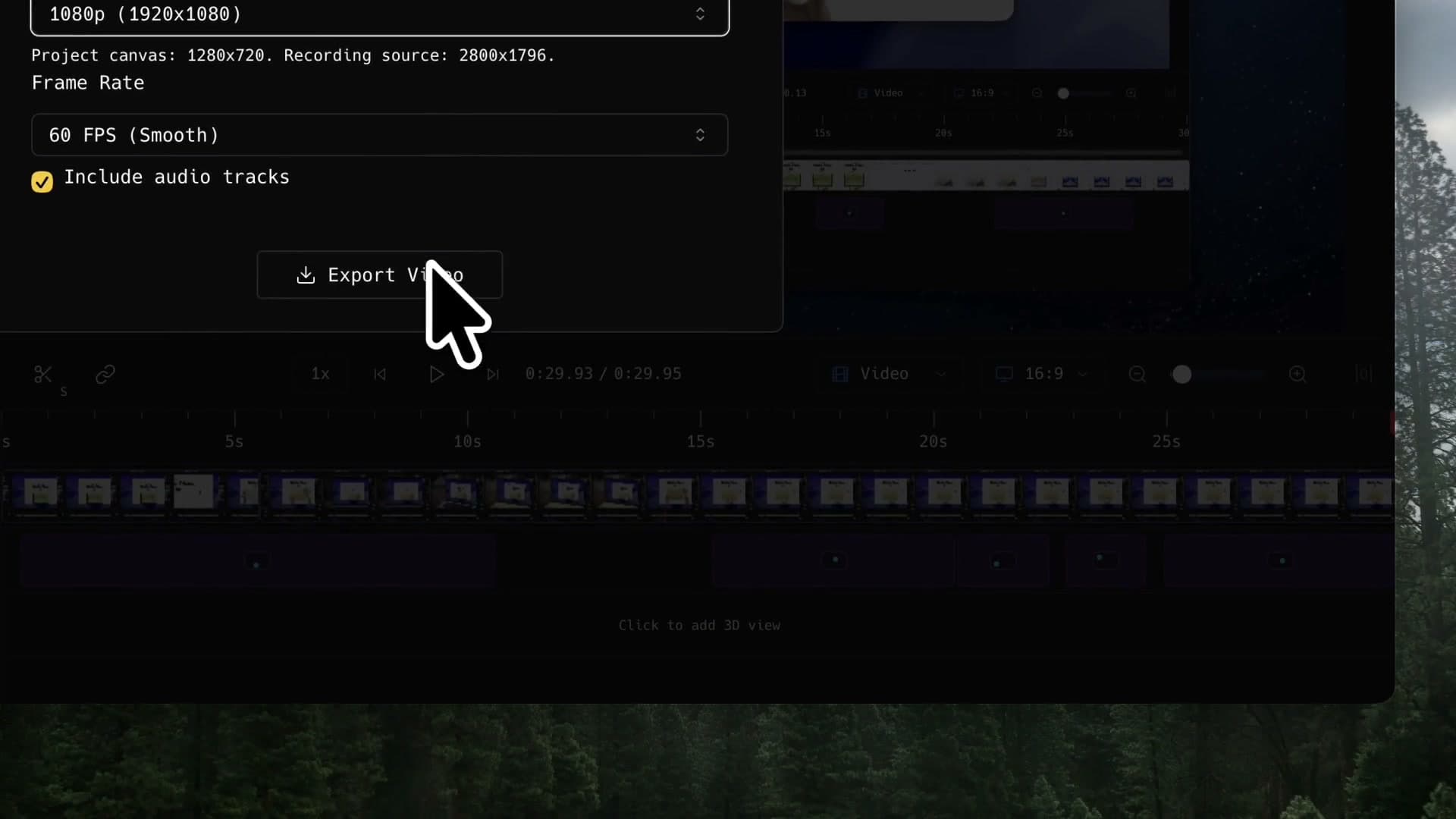
Export a video
Export an image
Save one frame as an image
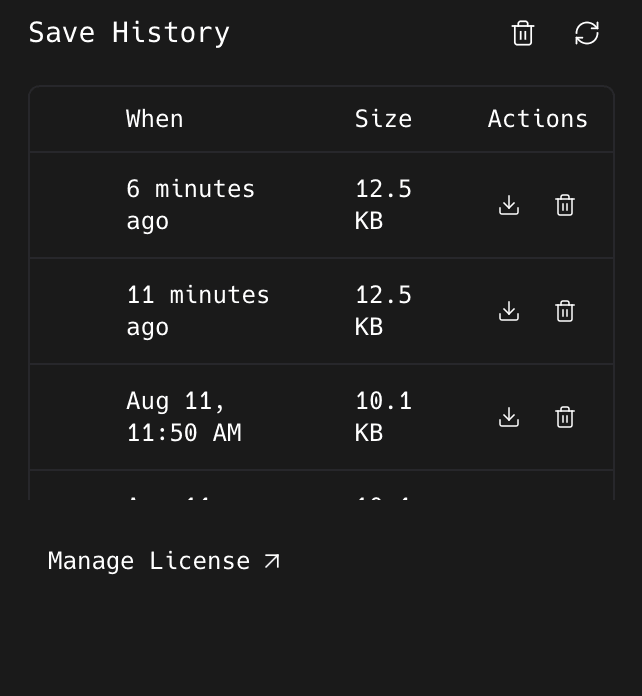
Recover a save
Save and restore a project
Automate with AI
Connect your AI agent
Film a demo with AI
Welcome 👋
Pick what you want to do. Every guide is a short walkthrough of the real app.
Get Started
→
Capture something
→
Manage projects
→
Edit your video
→
Make it 3D
→
Export your work
→
Recover a save
→
Automate with AI
→