Edit your video
Edit a video or image layer
Open the controls for one clip
- 1
Click the video or image on the timeline
Clicking it on the canvas works too. Three tabs appear at the top of the panel: Settings, Style, and AI.

One row per layer. Click the clip itself, not the row header. - 2
Use Settings for where it sits and when it plays
Style is how it looks. AI holds the tools that work on that kind of media.
Cut down what you can see
- 1
Use Crop to chop straight edges off
Drag the crop handles in. This is all you need for trimming a border or a sidebar off a rectangular video.
- 2
Use Media mask when the shape is not a rectangle
Turn on Media mask and drag each of the four corners onto the surface: a phone screen filmed at an angle, for example. Click Edit mask to adjust a corner afterwards.
- 3
Add a mask keyframe where the surface moves
Move the playhead to where it has shifted and drag the corners again. ShotGlass blends between the two.
- 4
Or click Track this shot to follow it automatically
ShotGlass follows the masked surface through the rest of the shot for you.
Move, resize, and time it
- 1
Drag it on the canvas to move it, corners to resize
Or type exact position and scale values in Settings.
- 2
Switch placement to the laptop screen for a 3D scene
Leave it on the normal overlay setting to float above everything instead.
- 3
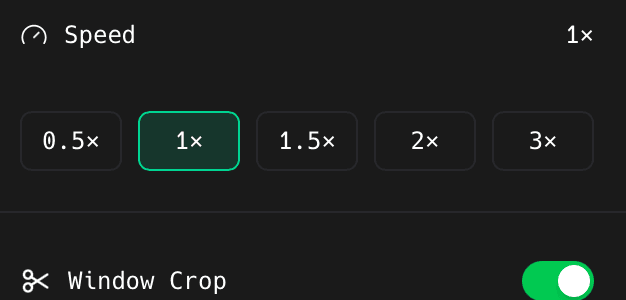
Set Volume and Speed for video
Add an enter or exit animation here too if you want it to fade or slide in.
Restyle it or drop the background out
- 1
In Style, set fit, filter, border radius, brightness, and padding
Fit decides whether the media fills its box or sits inside it.
- 2
In AI, click Green Screen Removal
Works on footage shot against a flat, evenly lit colour.
Something missing or out of date?