Capture something
Capture multiple sources
Pick more than one source
- 1
Hover Safari and click +
Adds Safari and keeps selection open.
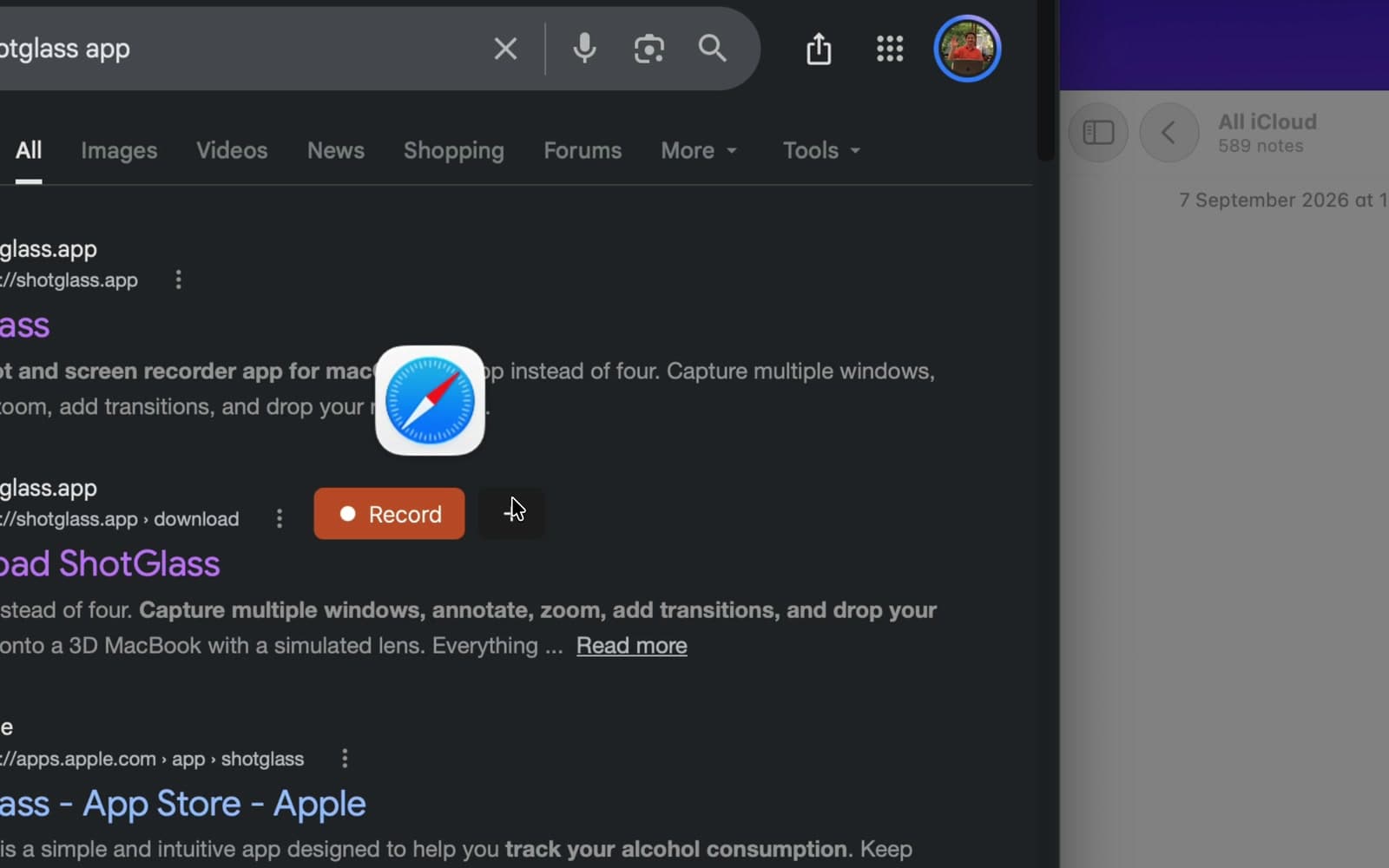
You should see: The widget shows how many sources you have picked.
- 2
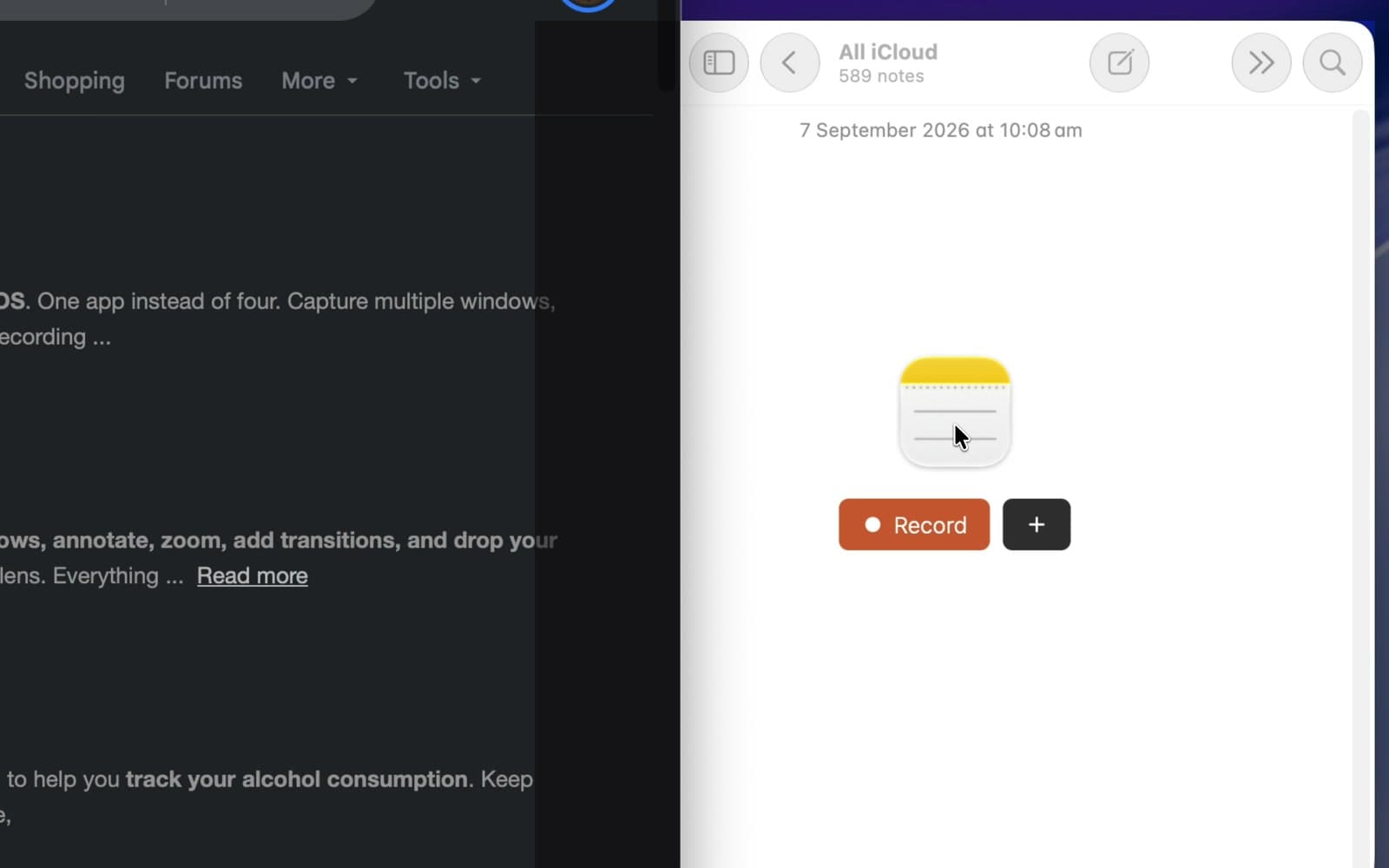
Hover Notes
Choose an empty Notes window for a simple two-window example.
- 3
Click Record on the last window
Records both windows together. For screenshots, click Capture.
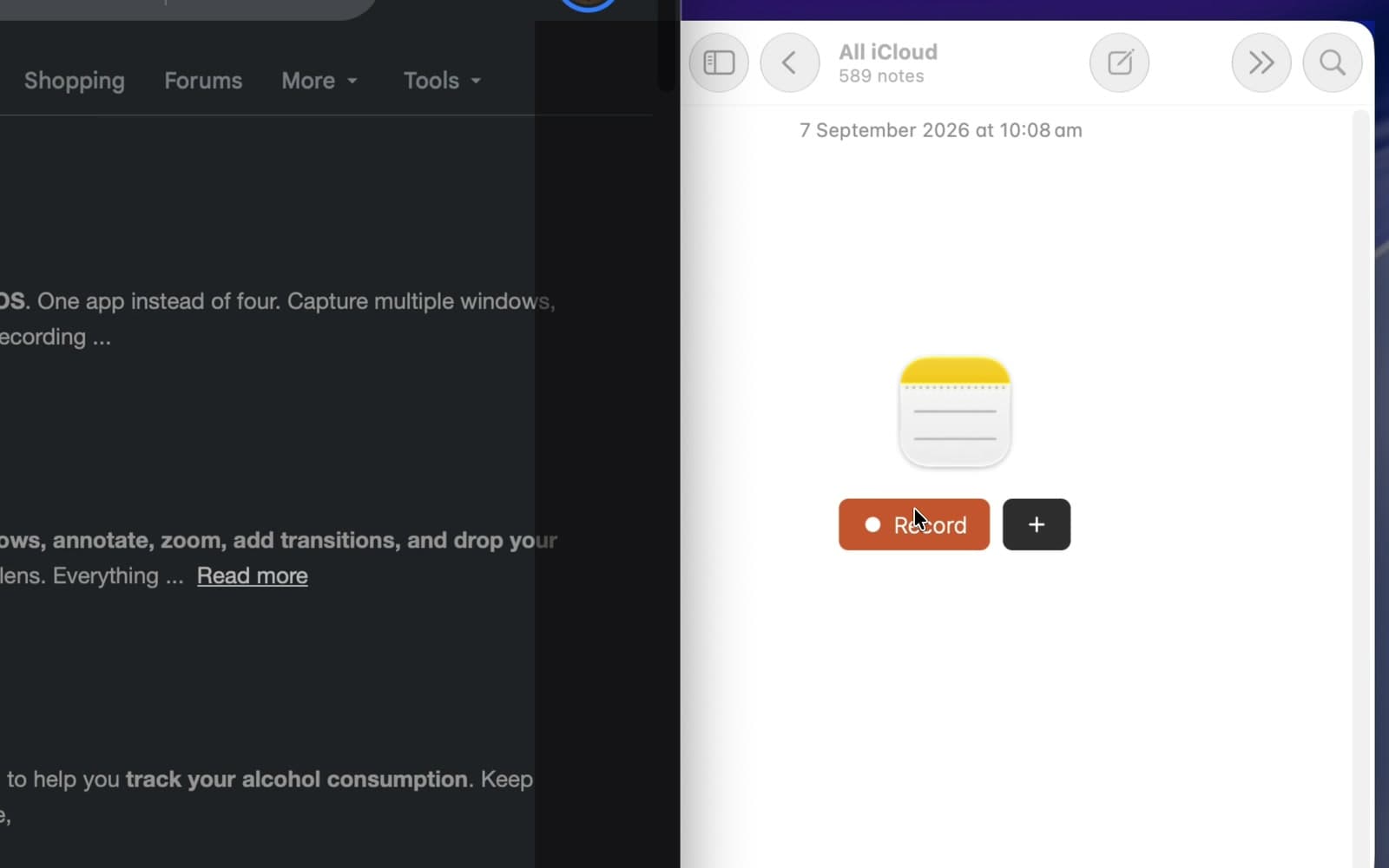
You should see: All the sources are captured together.
- 4
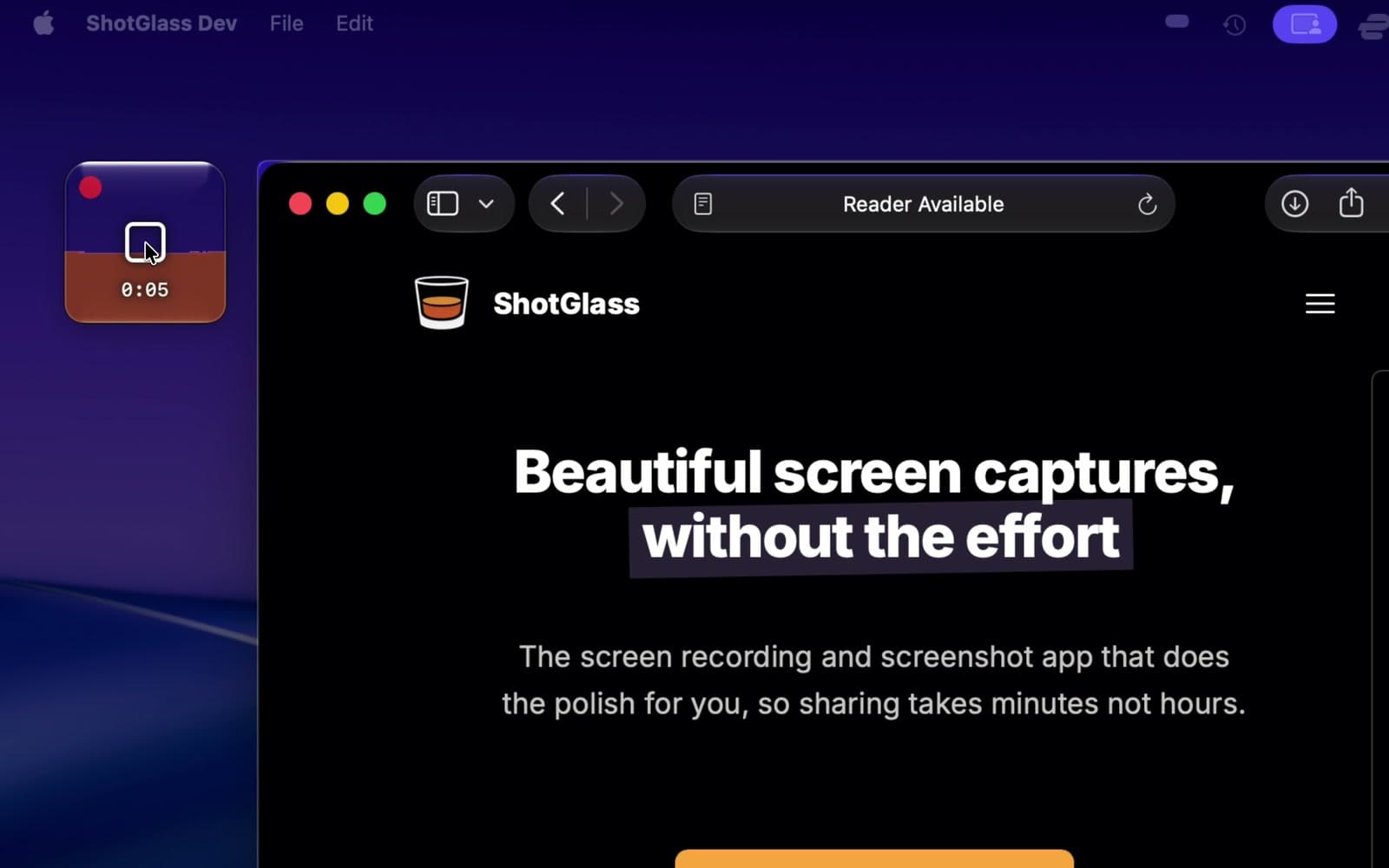
Click Stop
Both windows open in one project.
Edit each source on its own
- 1
Click one source's clip on the timeline
Move, crop, or resize each layer separately.
Something missing or out of date?