Capture something
Record an area or full display
Record a rectangle you draw
- 1
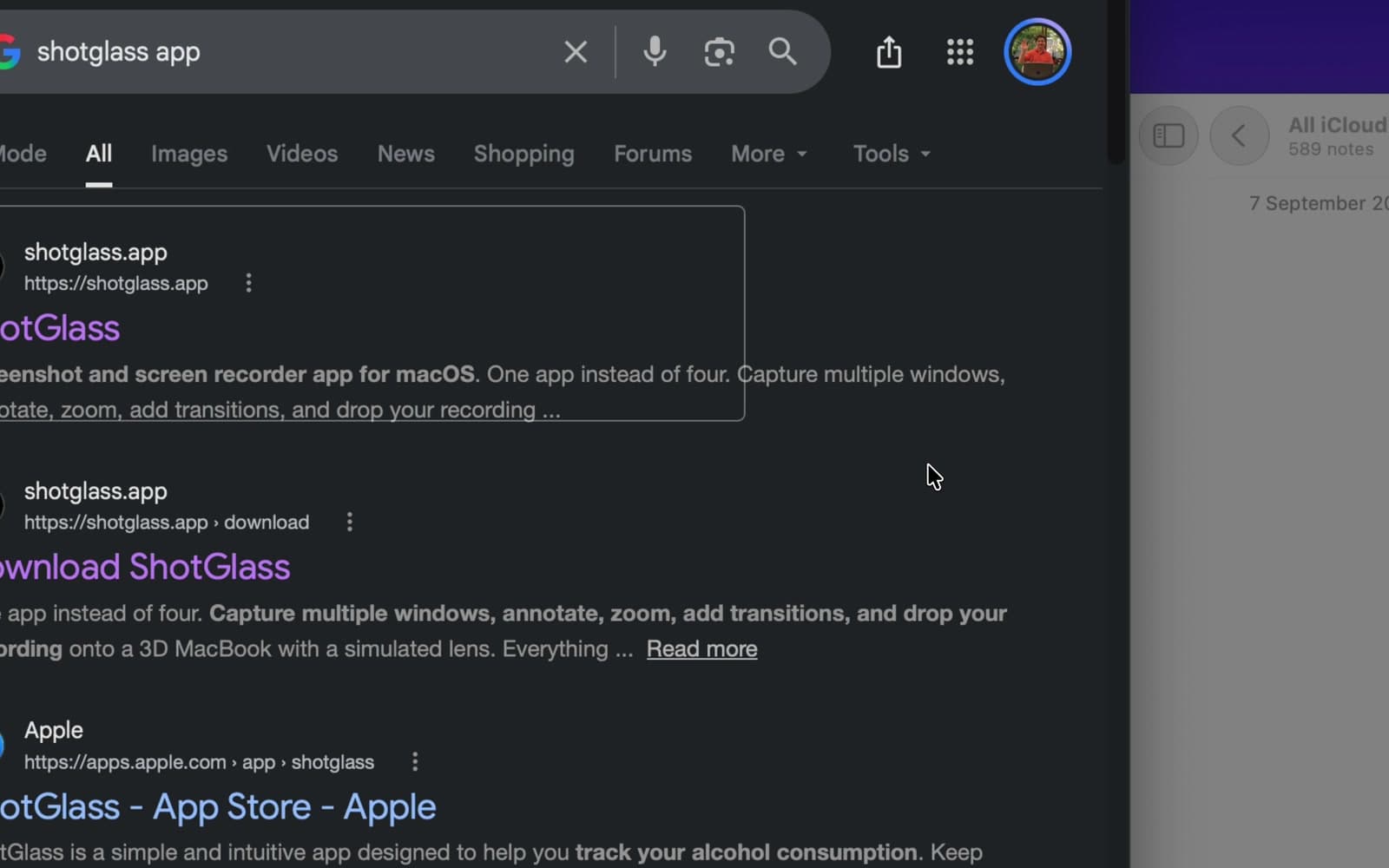
Click Video, then drag an area
Include space for any menus you will open.
- 2
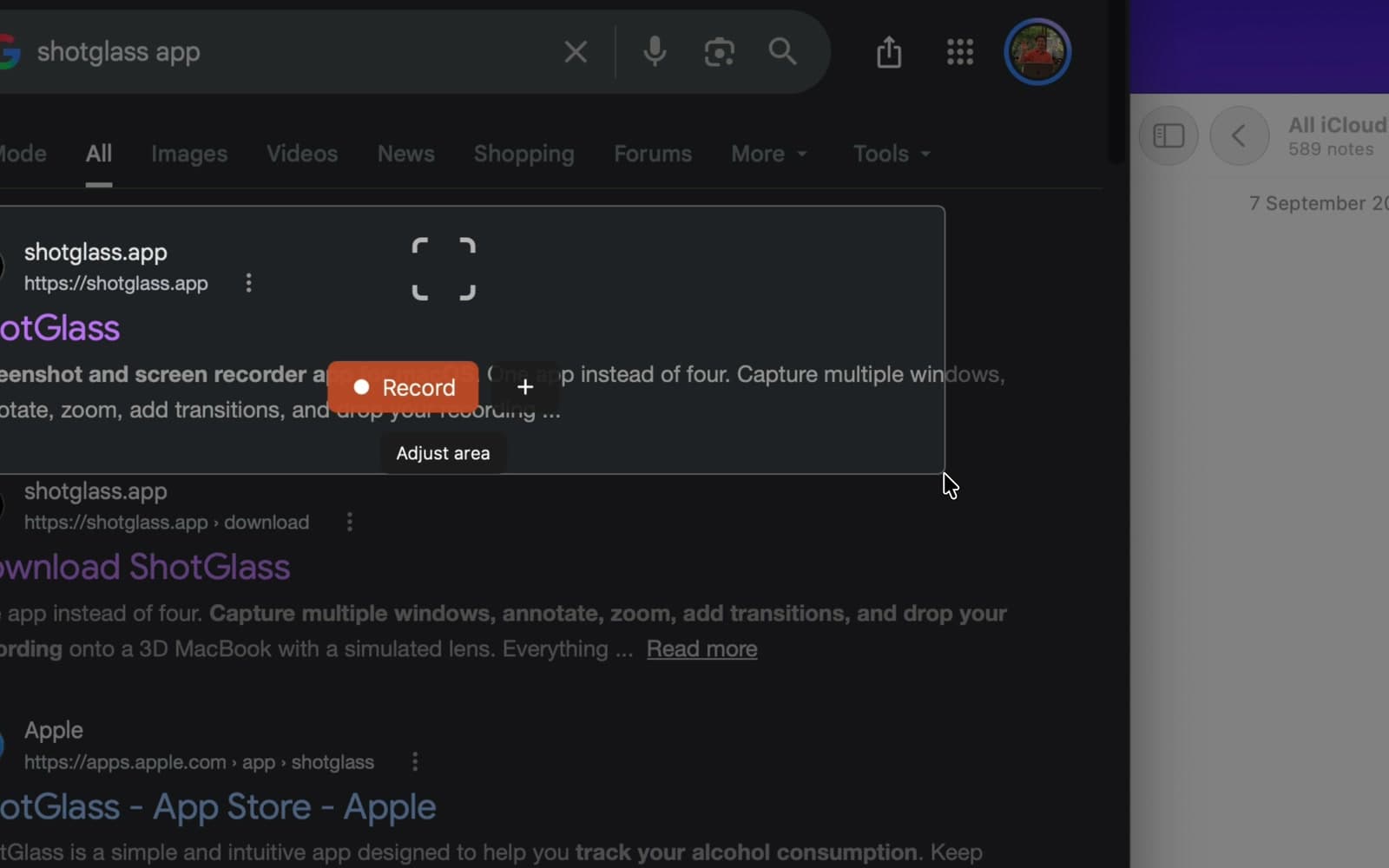
Click Adjust area to change the selection
Drag an edge or move the box.
- 3
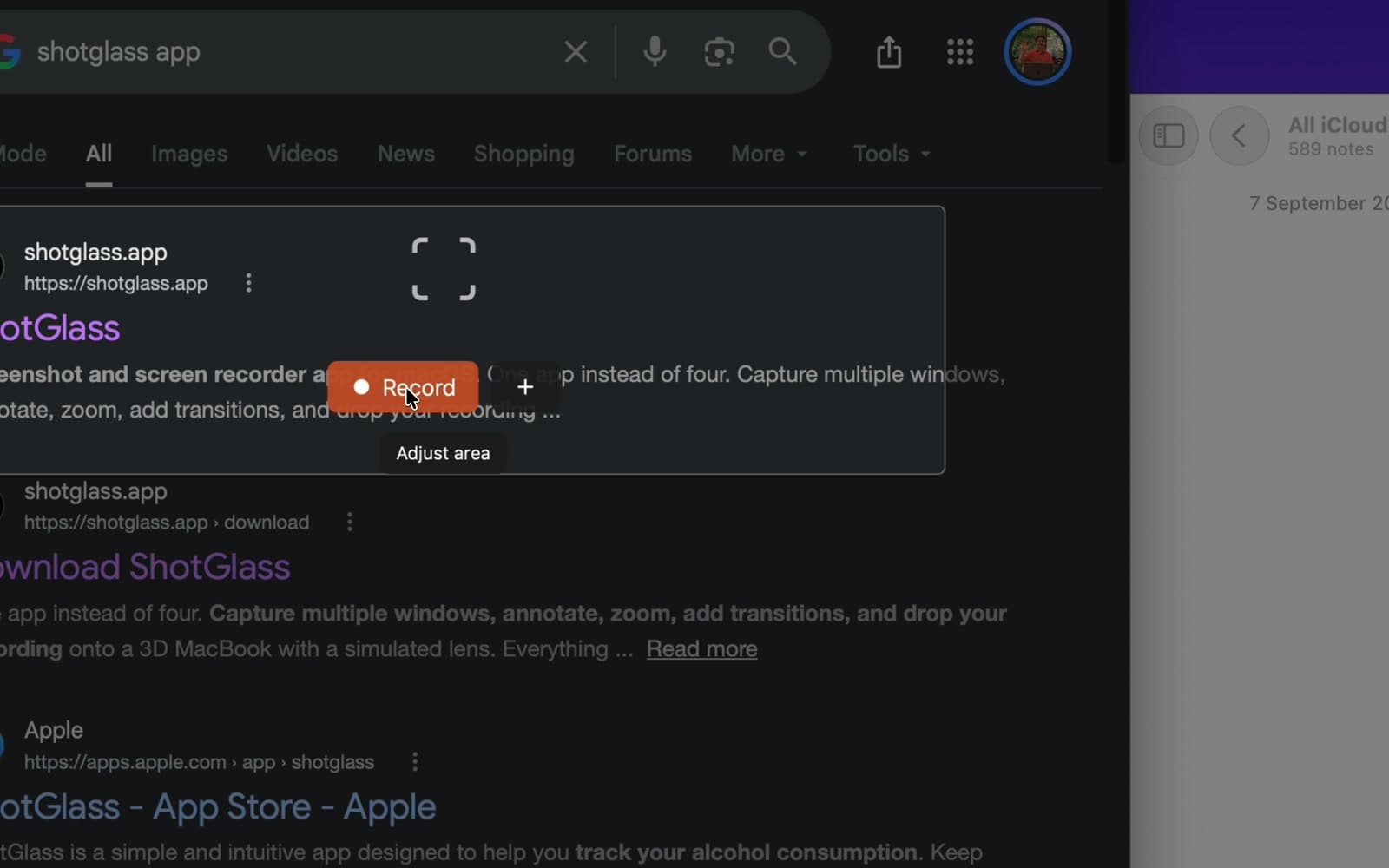
Click Record
Only what is inside the box gets recorded.
Record a whole screen
- 1
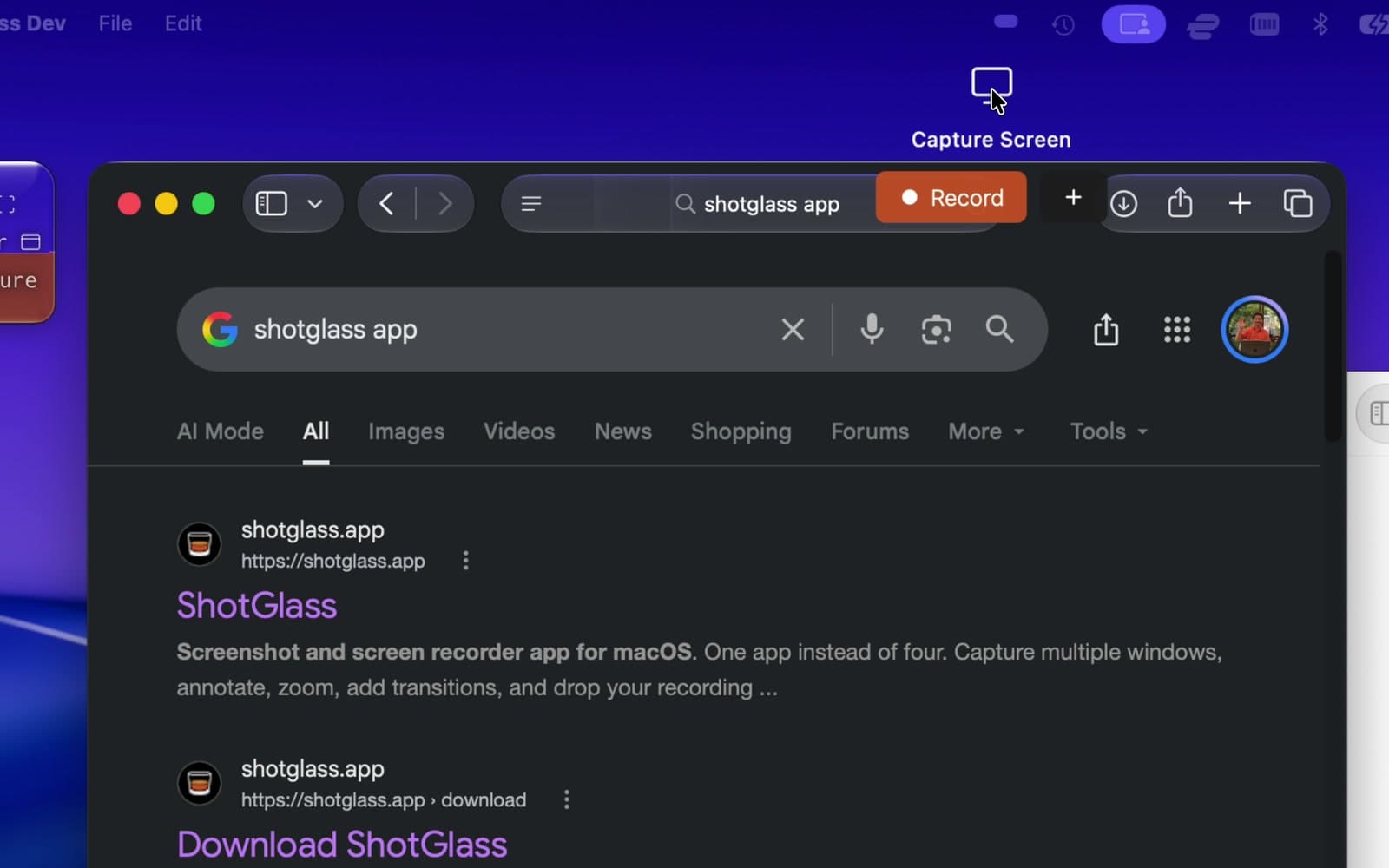
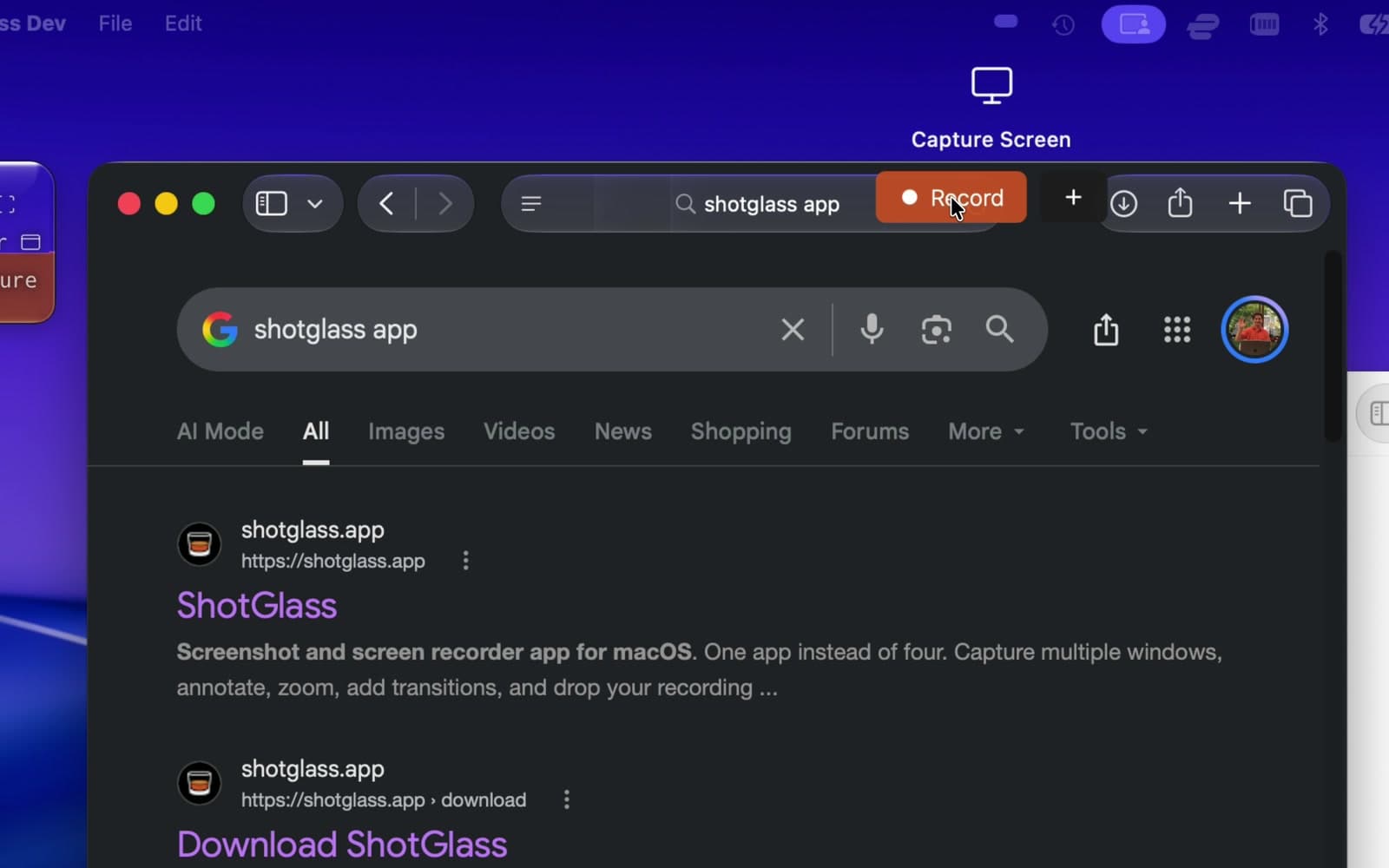
Click Video, then move to the top edge
A Capture Screen panel drops down.
- 2
Click Record
Records the whole display, including Safari and Notes.
Keyboard shortcuts while selecting
| Key | What it does |
|---|---|
| ↩ Return | Record the selected area or display |
| ⎋ Esc | Cancel selection |
Something missing or out of date?