ShotGlass: A Screen Studio Alternative for Mac
Compare ShotGlass and Screen Studio for automatic zoom, product demos, screenshots, multi-window editing, and pricing.

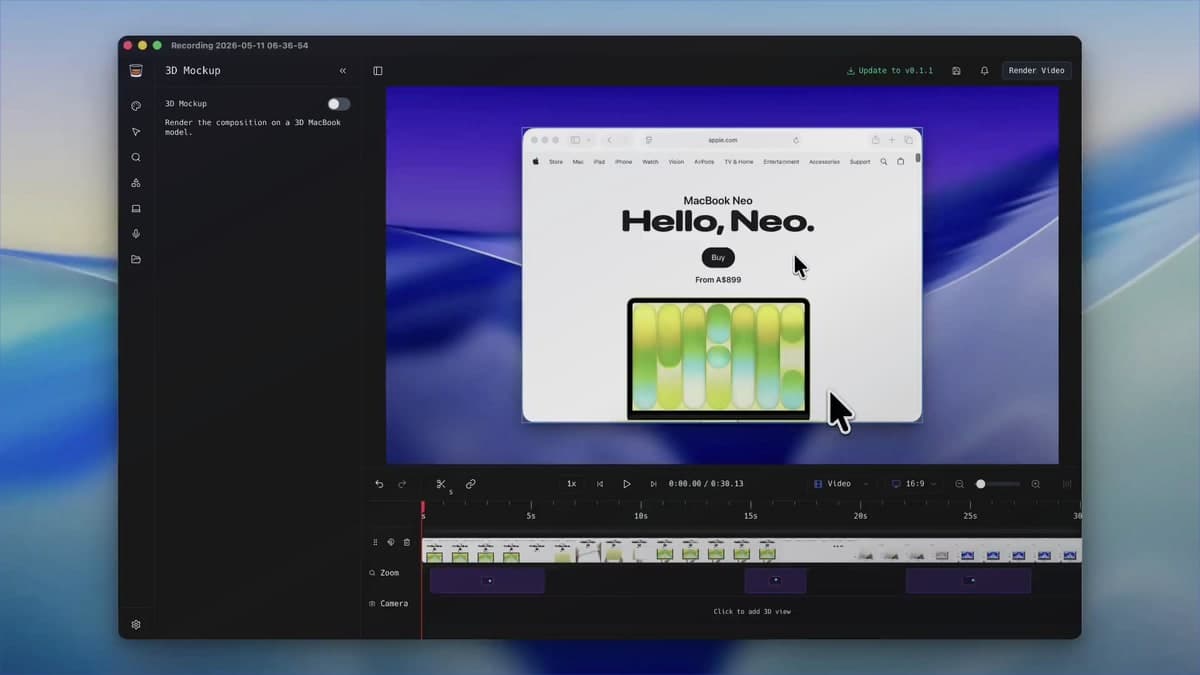
Screen Studio helped define the modern automatic-zoom Mac recorder and remains a polished choice. A useful comparison should identify workflow differences, not pretend one capable product fails at everything the other does well.
ShotGlass overlaps on automatic and manual zoom, cursor treatment, camera and audio capture, backgrounds, cuts, and export. Its clearest differences are screenshot editing, multi-window source handling, and the simulated 3D MacBook scene.
The differences show up after you stop recording
List the deliverables
Separate screen videos, screenshots, GIFs, hosted links, transcripts, mobile-device demos, and 3D product shots. The complete set matters more than a headline feature.
Compare capture
Both capture screen, cursor, microphone, system audio, and camera. Test the sources and multi-window behaviour your real demo requires.
Compare editing
Both offer automatic/manual zoom, cursor polish, backgrounds, cuts, and export. Screen Studio adds transcripts and shortcut display; ShotGlass adds screenshot annotation and source-aware multi-window composition.
Compare delivery
Screen Studio offers share links and GIF export. ShotGlass centres on local MP4 and image exports plus 3D MacBook presentation.
Run the same project
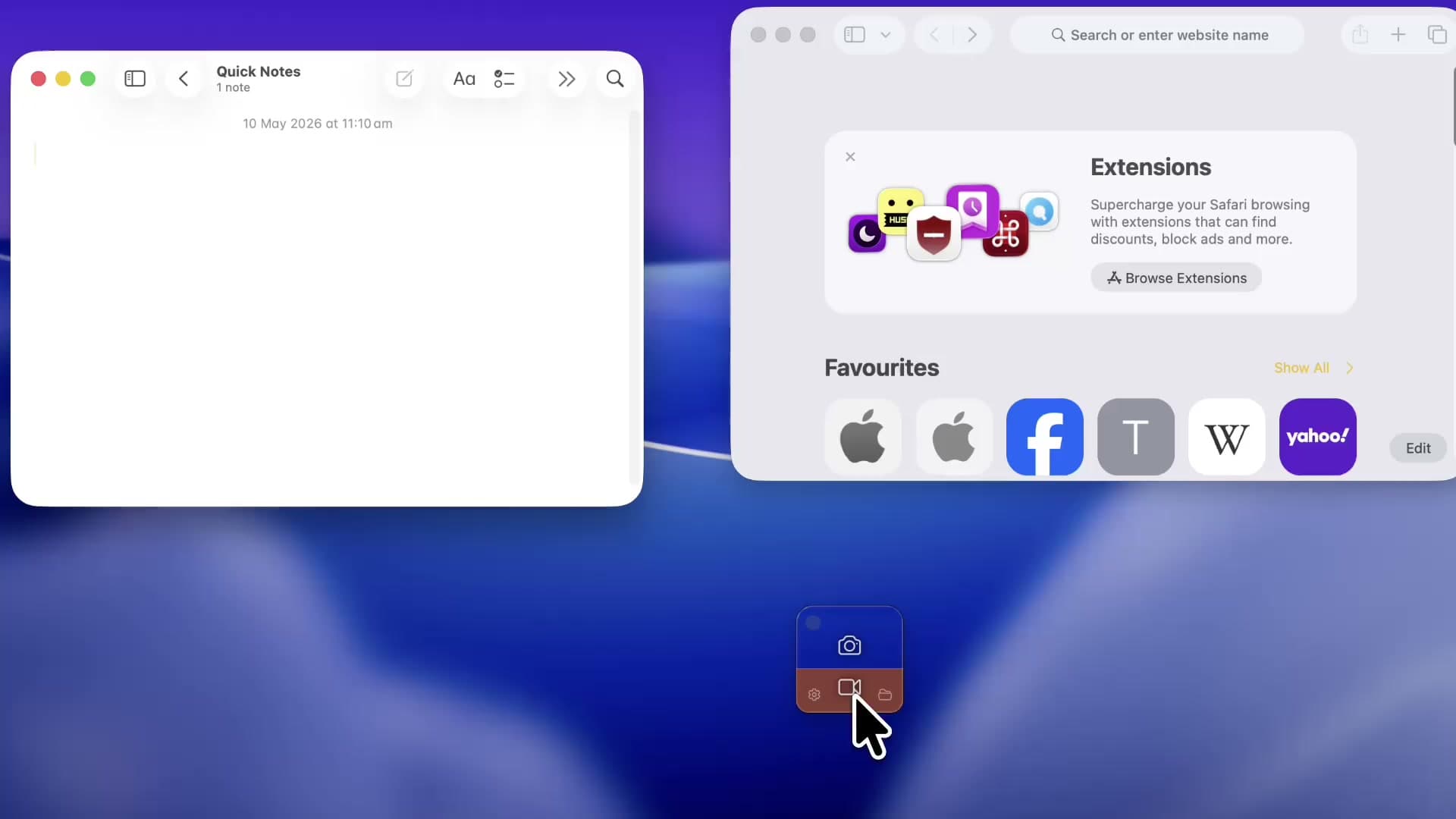
Create one representative 30-second demo in each app and compare time, quality, missing steps, and the pricing model that fits your use.
ShotGlass vs Screen Studio
The products overlap substantially on polished automatic-zoom recordings. The decision rests on adjacent work: iOS capture, transcripts, GIFs, and hosted sharing, or screenshots, source-aware composition, 3D presentation, and a local-first workflow.
| Capability | Screen Studio | ShotGlass |
|---|---|---|
| Automatic and manual zoom | Yes | Yes |
| Smooth cursor and size controls | Yes | Yes |
| System audio, mic, and camera | Yes | Yes |
| iPhone / iPad capture | Yes | Not positioned as a core feature |
| Transcript / subtitles | Yes | Not positioned as a core feature |
| GIF and hosted share links | Yes | Local MP4 export is the core workflow |
| Screenshot annotation | Not the core product | Built into the same editor |
| Multi-window post-record editing | Not a headline capability | Core workflow |
| 3D MacBook scene | Device frames for iOS capture | Built-in simulated 3D MacBook |
| Personal billing | Subscription options | One-time option with one year of updates |
Choose Screen Studio for sharing infrastructure
Hosted links, GIF export, transcripts, and iOS capture can outweigh presentation differences for collaboration and mobile-demo work.
Choose ShotGlass for mixed launch assets
When a launch needs still screenshots, annotations, multi-window video, and a 3D hero clip, keeping them in one visual system is useful.
Test the hardest project
Do not compare with a simple single-window clip if your real work involves several apps, long tutorials, camera, or mobile devices.
Before you call it finished
- Treating the products as identical because both advertise automatic zoom.
- Ignoring sharing, transcripts, GIFs, screenshots, multi-window editing, or 3D because they are absent from a simple test clip.
- Repeating an old price without checking the official sites.
Questions that come up
Is ShotGlass a clone of Screen Studio?
They overlap on polished screen-recording features, but ShotGlass differentiates with screenshots, multi-window post-record composition, and a simulated 3D MacBook workflow.
Which is better for iPhone app demos?
Screen Studio officially supports wired iPhone and iPad recording with device frames. Choose it when that is a central requirement.
Which has a one-time purchase?
ShotGlass currently offers a one-time personal plan with one year of updates. Verify both products' current terms before purchase.
Sources checked for this guide
Try the same workflow in ShotGlass
You can use every feature before paying. A license is only needed when you export video.