


Instagram Reel1/3
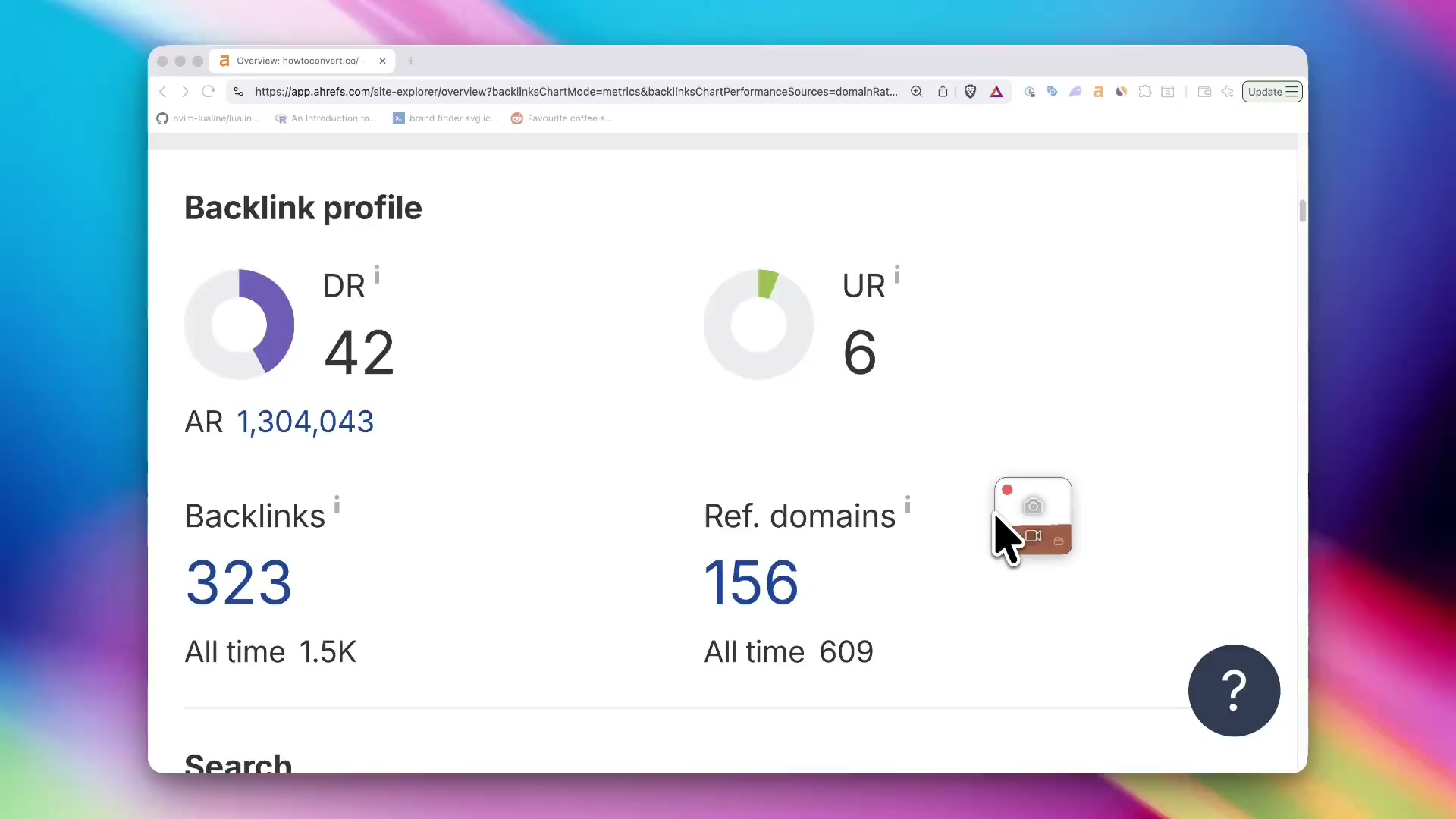
Beautiful screen captures, without the effort
Click to record and get a polished demo automatically, or let Claude or ChatGPT record and edit it for you.
 Try ShotGlass for Free
Built for macOS
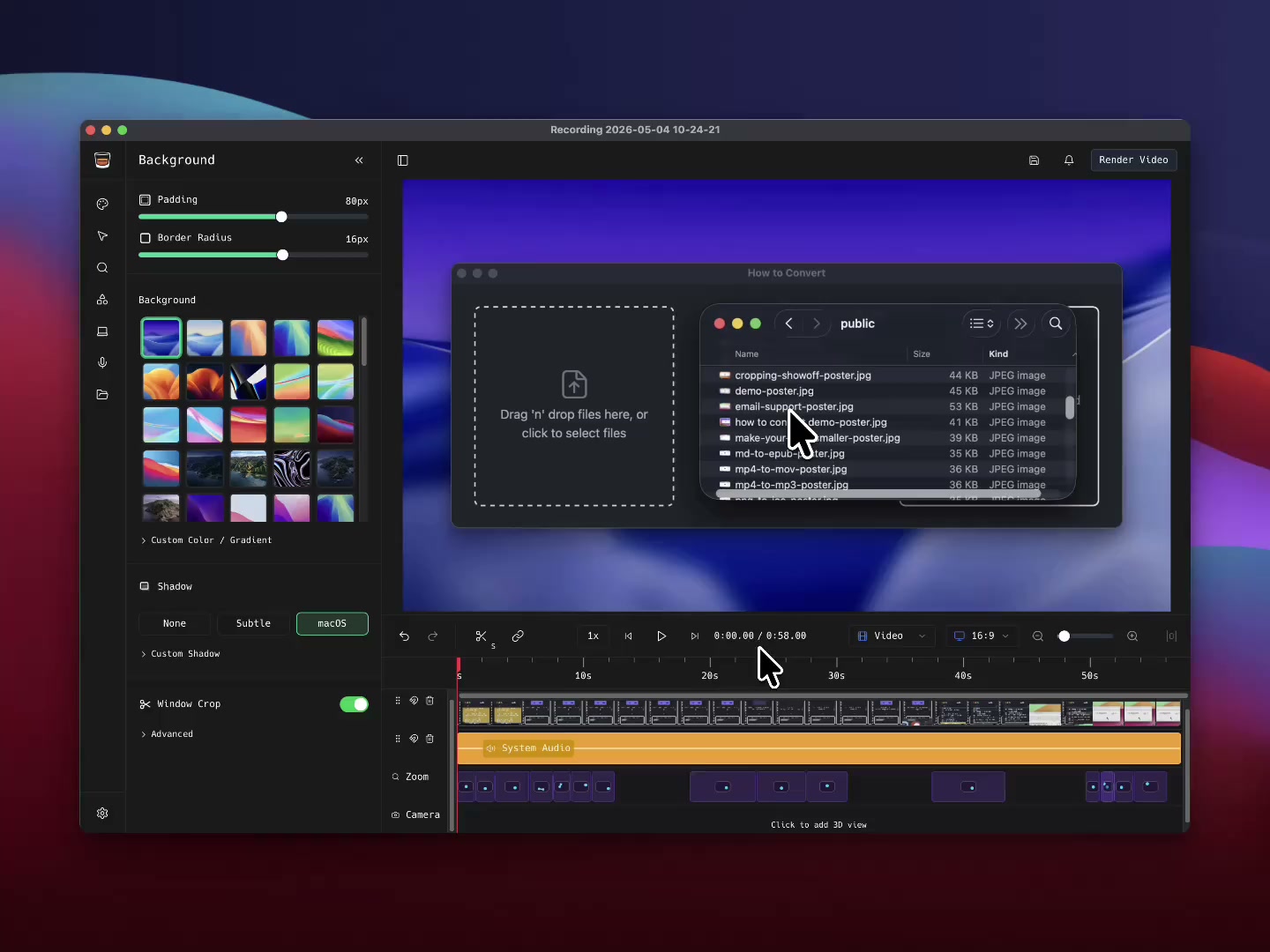
Replace a collection of tools with one app
that's themed like a glass of whisky 
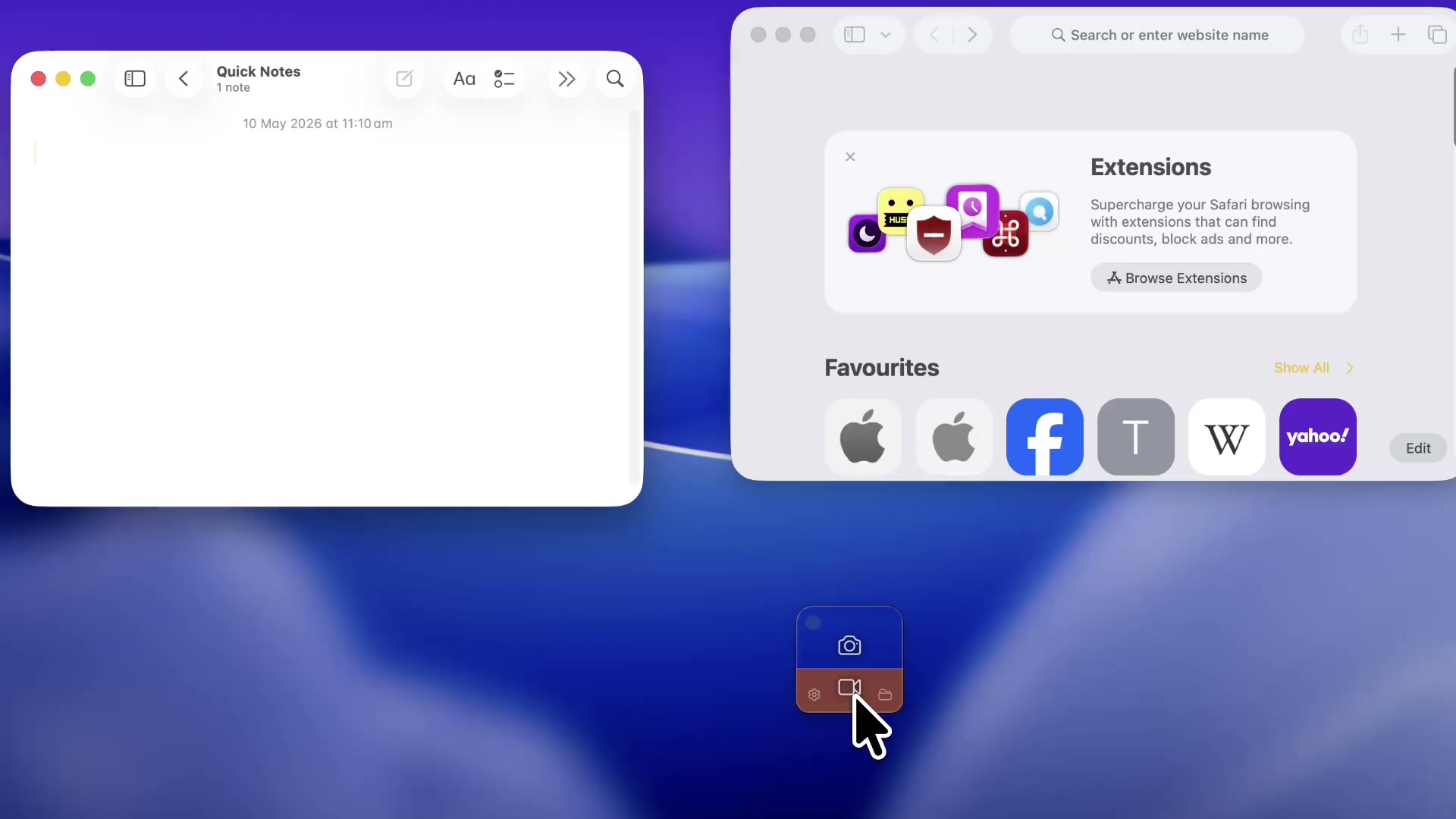
Start by selecting a window, screen or area
Auto window detection across multiple windows and monitors.
Or let Claude or ChatGPT film it for you
Connect Claude Code, Codex, OpenClaw, OpenCode or another compatible AI agent through MCP. Ask it to record an app demo, take a screenshot or edit a recording in ShotGlass. Real apps, smooth cursor movement, and a result you can make your own.
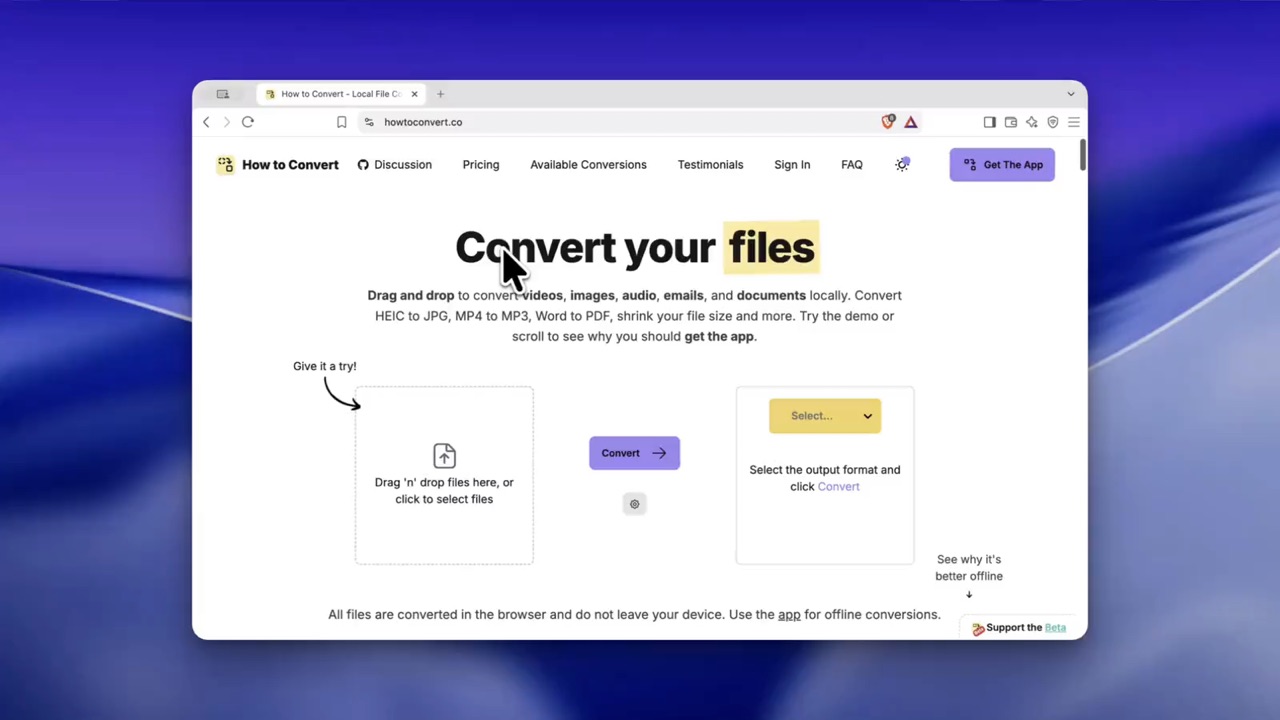
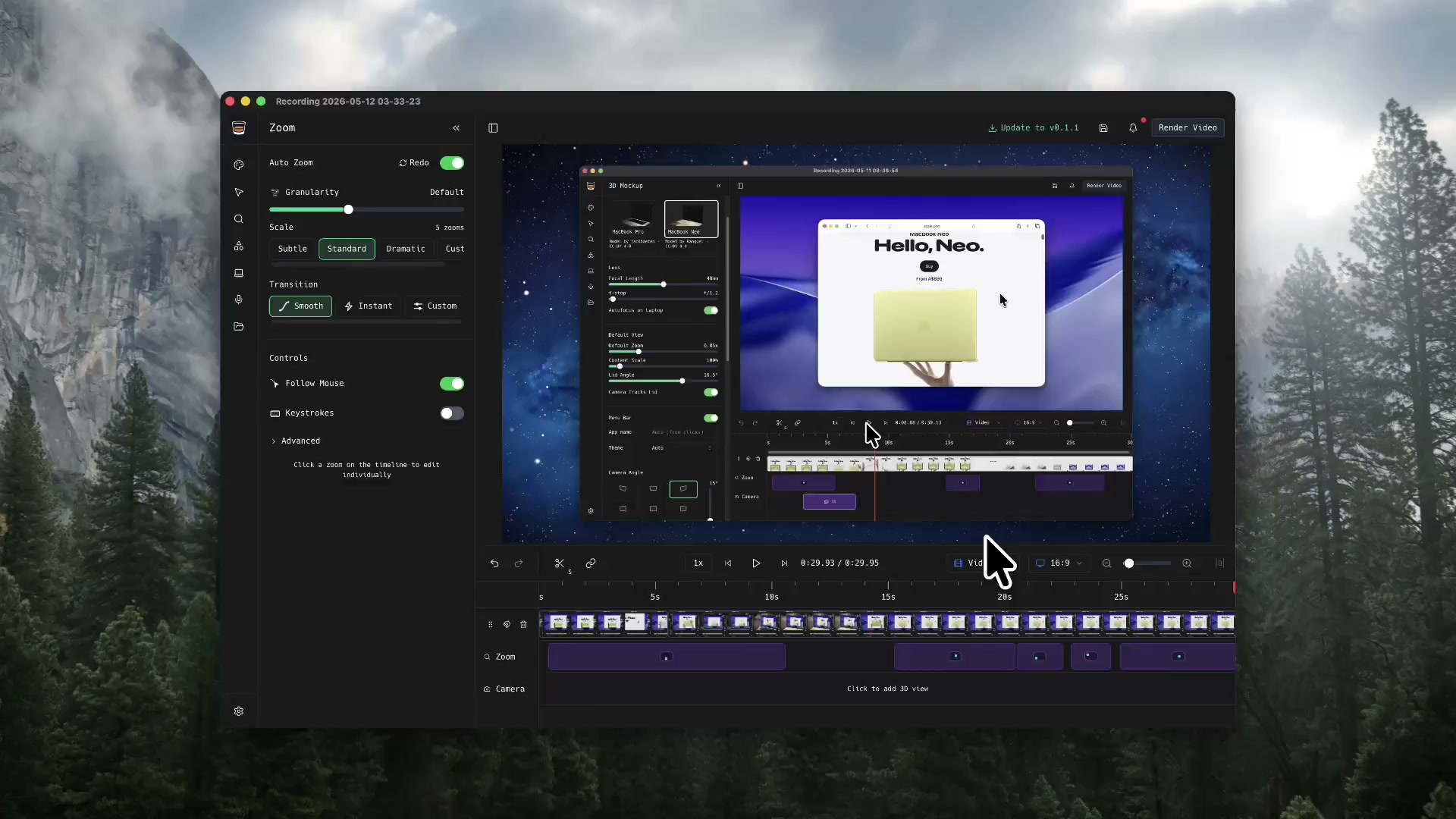
Get automatic zoom
ShotGlass makes things look cinematic straight after shooting.
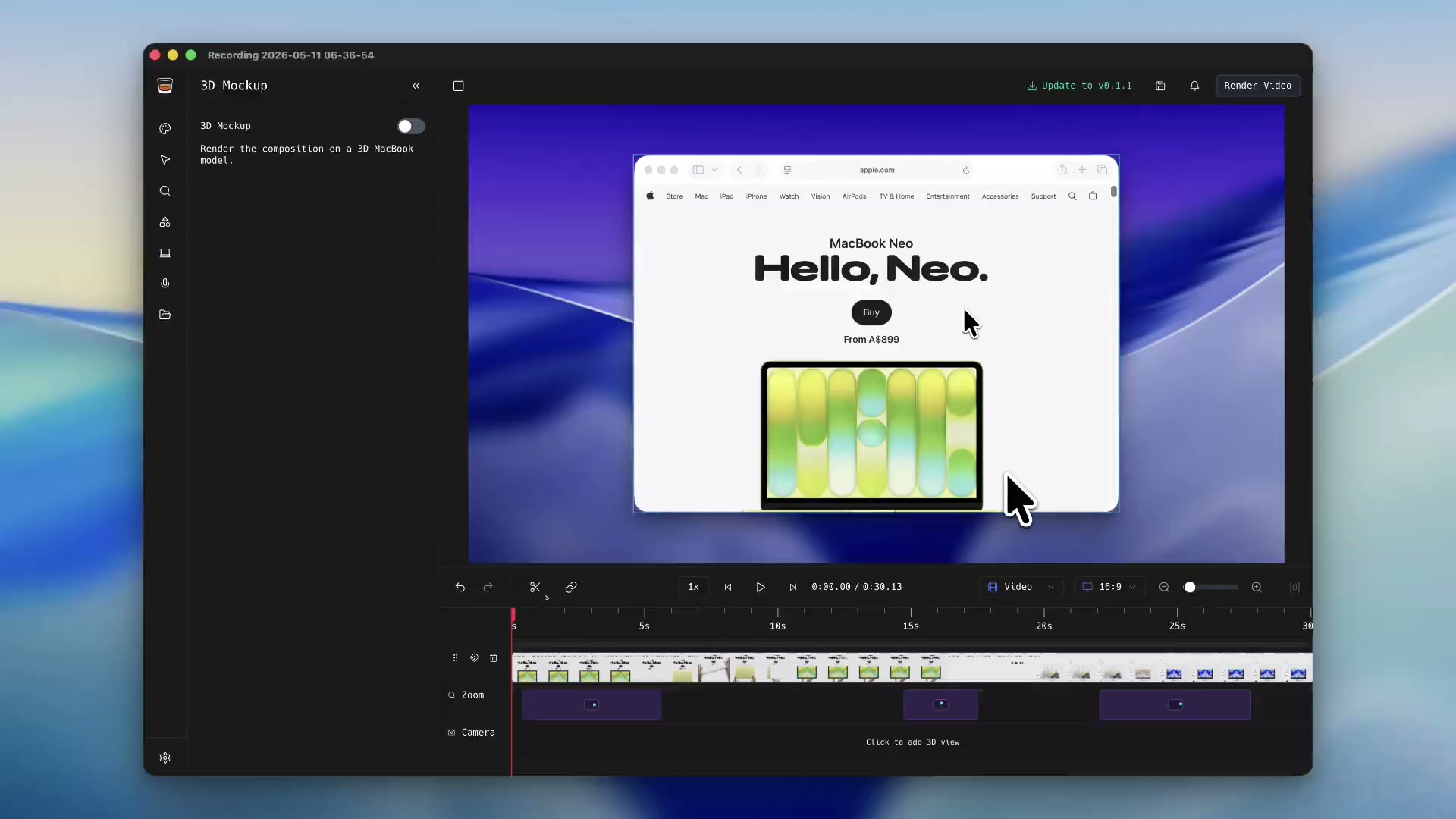
Make 3D animations like an Apple Ad
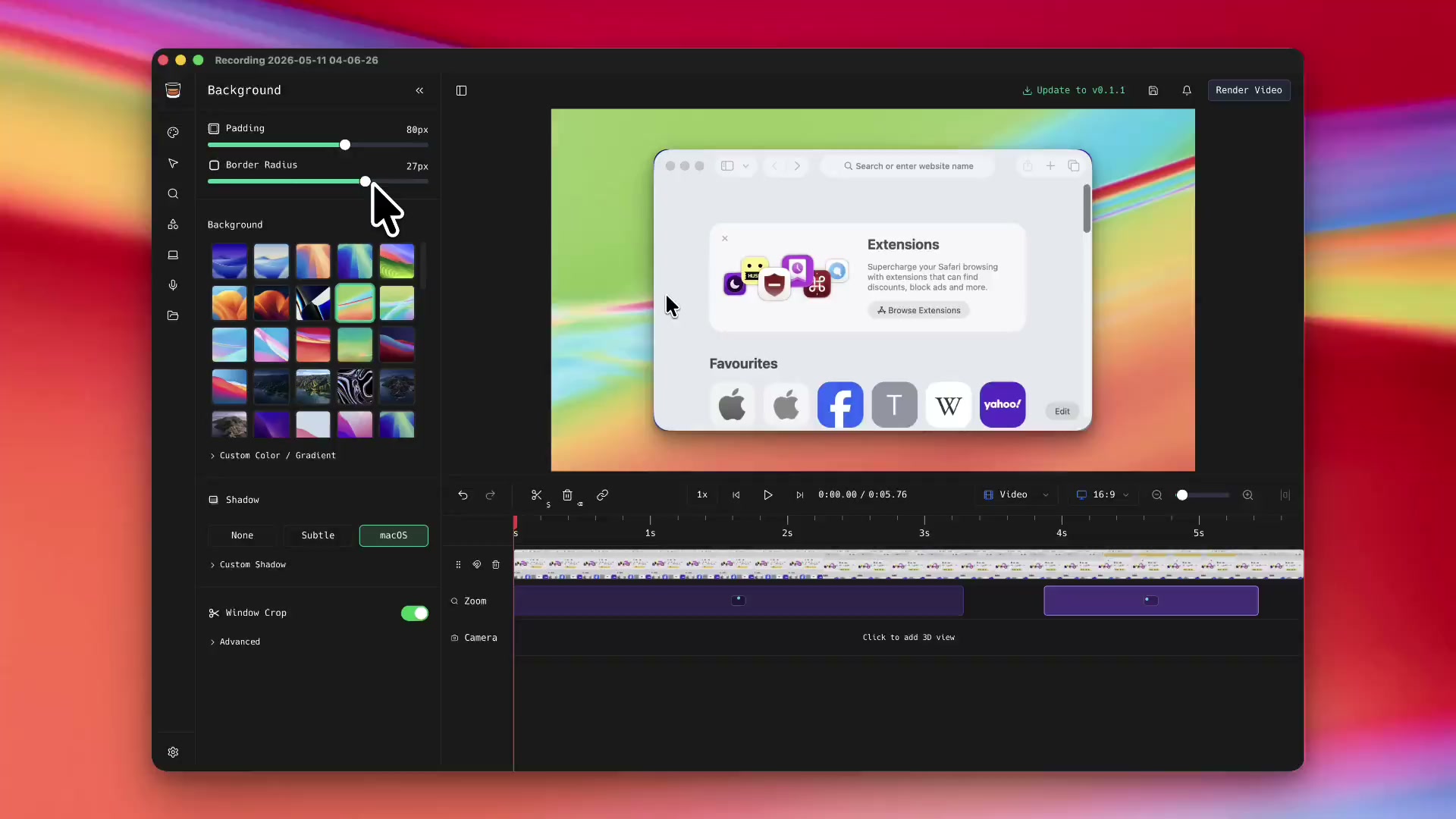
Customisable and clear backgrounds
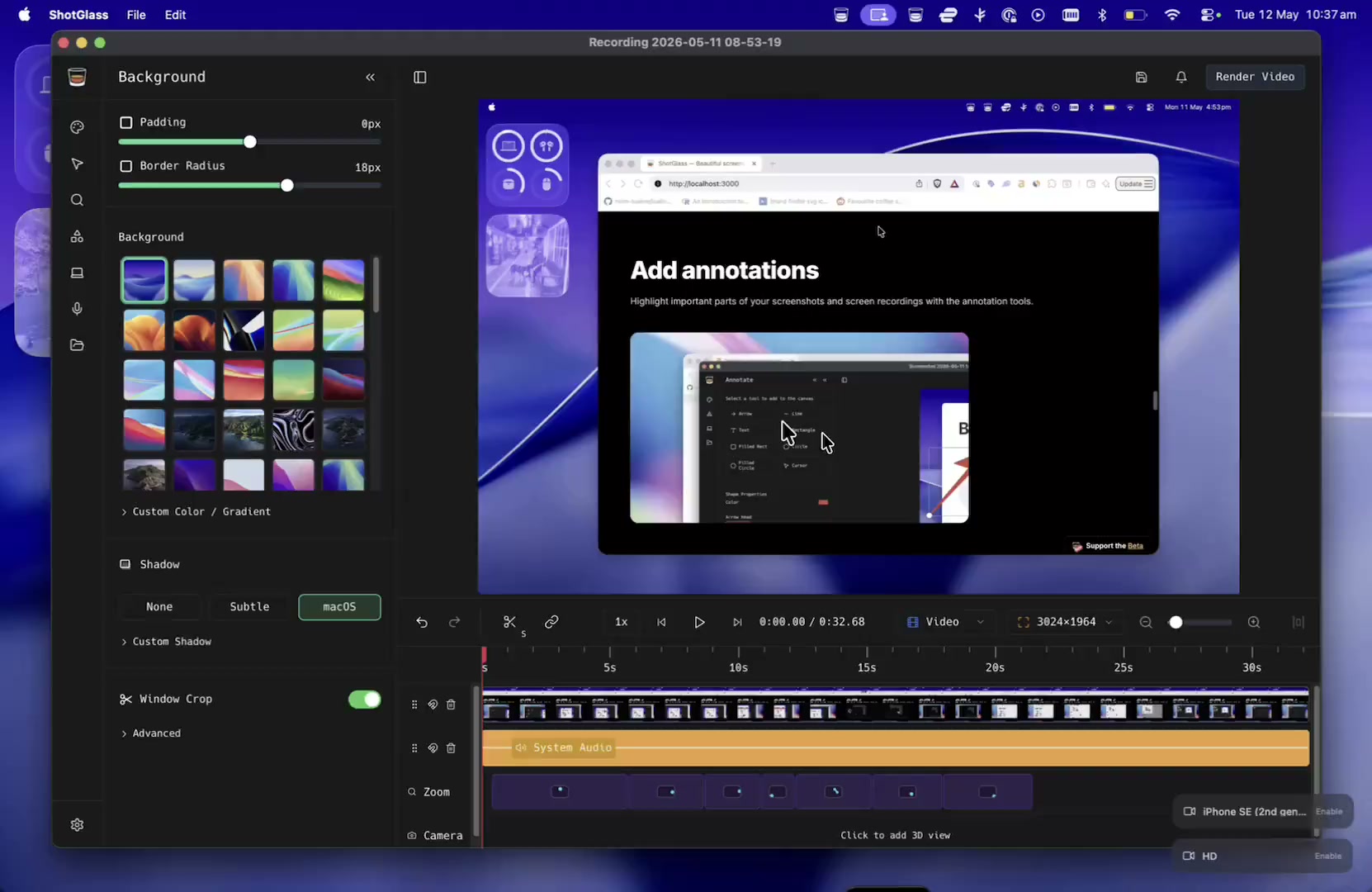
Cluttered background? Don't worry, ShotGlass swaps it out automatically, making every screenshot and screen recording look professional.
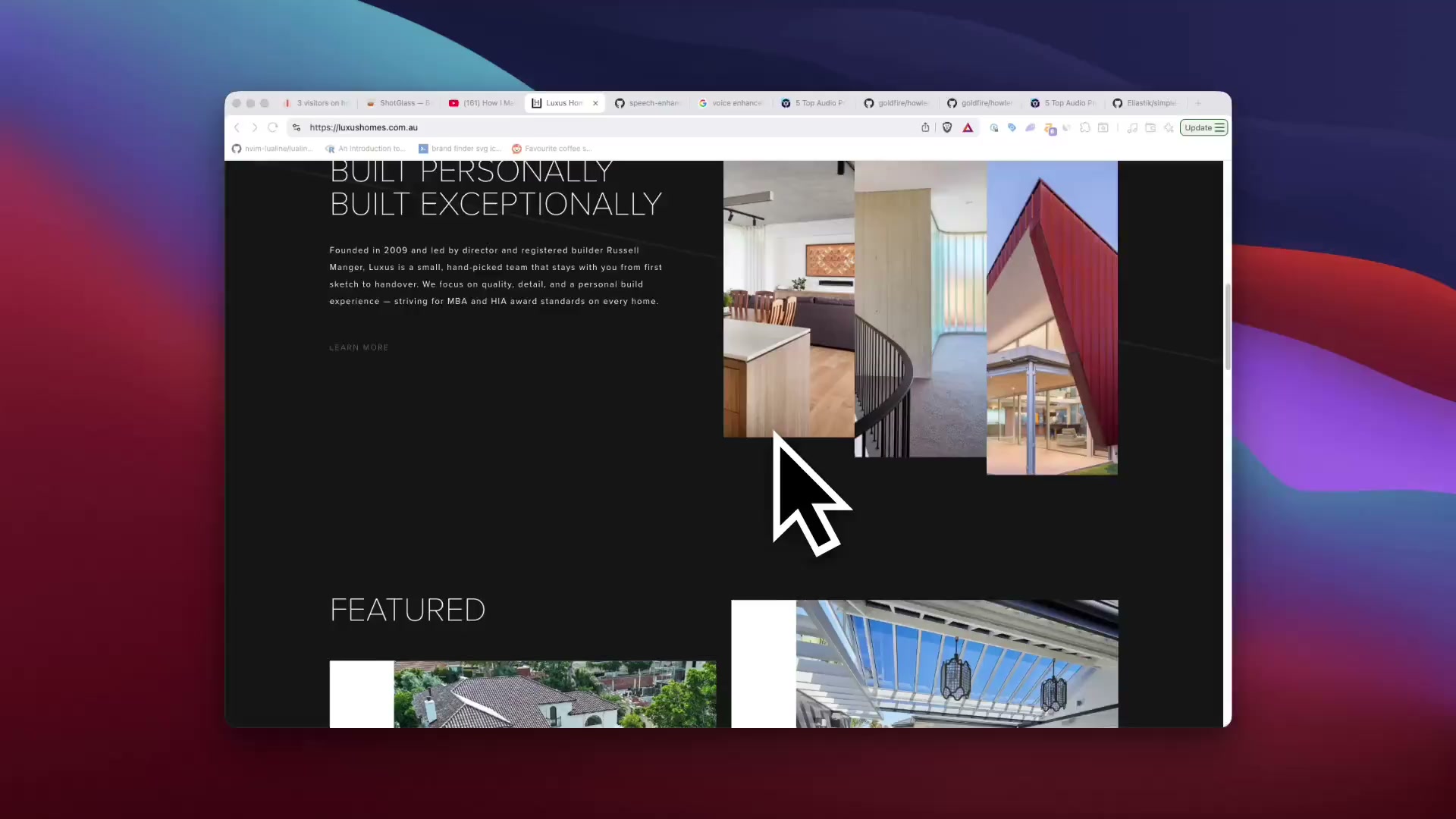
Removes that clutter on your desktop for you, keeping focus on what you're recording.
Choose from a selection of real Mac backgrounds, upload or make something custom.
Add shadow and padding
Smooth animations and a custom cursor
Effects that normally take hours are now instant.
Add annotations
Highlight important parts of your screenshots and screen recordings with the annotation tools.
Record cameras, microphone and system audio
ShotGlass can record and mix multiple video and audio sources with your screen recordings
Export and share
Optimal settings by default. Choose presets for exporting to Social Media, the Web or for further editing in another editor.
Personal
Pay once. Use ShotGlass forever.
$29
USD
- All features included
- 1 year of updates
- Use on 1 device
- Personal & small business (up to 2 people)
- Support independent development
Pay once. No subscription.
 Beta
BetaMore than one Mac?
Open a tab. Solo, or shout the team.
$39
USD
/ year
1seat
3 Macs covered
- All features included
- Always the latest version
- Covers up to 3 Macs
- Commercial-use license (teams of any size)
- Centralized billing & invoices
- Priority support
Cancel anytime. Add or remove seats whenever.
204 makers are raising a glass. Cheers!
r/macapps
Posted by u/jakecoolguy · 1 mo. ago
▲417▼
I made a screen recorder that makes your demos look like an Apple commercial
176 commentsShareSave
BEST COMMENTS
o
u/oznng·28 points·1 mo. ago
Messed around with it for like 30 min, hit my first render and just bought it. Looks sick, the aesthetics are great, awesome work.
ReplyShareReport
M
u/Mission-Art-799·19 points·1 mo. ago
The biggest win here is honestly killing the 5 apps for one demo workflow. That friction alone stops most people from making good product videos consistently.
ReplyShareReport
L
u/Limp_Character6574·14 points·1 mo. ago
The post record multi-window editing is a genuinely smart feature; it solves a pain point most screen recorders still ignore.
ReplyShareReport
S
u/Soggsteven·12 points·1 mo. ago
This looks better than Screen Studio.
ReplyShareReport
maliapagley
@maliapagley
1d
Introducing ghostedugc.ai The place to generate the BEST AI UGC ads for your app/SaaS products. This demo will show you how to get started with your first UGC videos. Big thanks to @jakemangerdev for making shot glass!
20644
Openjakemangerdev
@jakemangerdev
1d
I made an app to make screen recordings like an Apple Ad Just crossed 200 users!
1.2K9263124
Opentj_nealy
@tj_nealy
02/06/2026
Shot glass by the man @jakemangerdev is an awesome product tool I’m using for product recordings. Google Flow is also great for some of the other mockups you may need too. ElevenLabs has some amazing tools as well. Good Luck!
211
Openguybeingproductive
@guybeingproductive
12/06/2026
Every Wednesday I feature cool apps & products in my newsletter. So, if u are building one send it over. Here are some of the cool products I featured recently from this community, including ShotGlass by @jakemangerdev.
15
OpenPranav
@wrathofpranav
Jake, your version of screen recorder is better than all of the copies out there!
Jun 4, 2026
otolock
@otolock
10h
Replying to @prettyshisya
If you’re looking for something like that, check out ShotGlass by @jakemangerdev
11
OpenNick Venturi
@nickventuri
Definitely beats watching someone struggle with their mouse cursor in a laggy video
Jun 3, 2026
Chaz
@chazball64
This is a seriously cool app 👏
Jun 25, 2026
Rosty
@dzhohola
Yo this is a fire presentation. Does it automatically generate the visual effects?
Jun 3, 2026
FAQ
Frequently Asked Questions
I was tired of jumping between four apps to make one product demo: a screenshot tool, a screen recorder, an annotation app, and After Effects for anything cinematic. ShotGlass does all of it in one place.
It isolates the app window and composes it on a clean background. Your output stays polished even on a cluttered desktop.
For video, it records without the cursor, then adds it back with smooth motion. That allows for automatic cursor effects, zooms, transitions, and clean cuts.
For images and video, annotate with arrows, text, subtitles, and imported media.
And after seeing the MacBook Neo commercials (a recording playing on a 3D MacBook in a scene), I wondered why no screen recorder just did that. So you can drop a recording onto a virtual 3D MacBook with a simulated lens, right inside the app.
Connect Claude Code, Codex, Claude Desktop or ChatGPT Desktop in ShotGlass. Open Other agents for OpenClaw, OpenCode or a custom connection. Your agent needs to support local MCP tools on your Mac.
MCP (Model Context Protocol) lets your agent use ShotGlass as a tool. Ask it to record an app demo or take a screenshot. With a recording open in the editor, you can ask it to trim, adjust zooms and export, too.
Keep ShotGlass open and allow the macOS permissions shown during setup. What your agent can operate depends on its tools and the app you want to film. Connect your AI agent.
ShotGlass removes hours of manual editing you would normally do across video editors and a pile of capture tools.
Trying it is free! Purchase when you're happy with the result and ready to export.
No. ShotGlass uses Apple's native ScreenCaptureKit and AVFoundation under the hood — the same frameworks QuickTime uses.
In practice that means recording overhead is in the same ballpark as macOS's built-in screen recorder. I measured roughly 15% CPU and ~160 MB RAM during a 4K @ 60 fps recording on an M-series Mac, similar to QuickTime on the same workload.
Translation: your fan stays quiet, even while recording gameplay or other GPU-heavy apps.
Yes. All recording, editing, and encoding happens locally on your computer.
No usage data, files, or personal information is ever collected, transmitted, or shared.
The downloadable ShotGlass application has zero tracking, telemetry, or analytics.
- I'm Jake, an independent developer and PhD student. I tried to make ShotGlass simple to use and, for fun, themed it like a glass of whisky. I'm updating it quite a lot, so I'd love your feedback. Purchasing or sharing this tool helps me continue to maintain and improve the site and app. Support is never required but always appreciated. Follow me on GitHub, Medium, X, Threads, and Bluesky to keep track of what I'm up to or to say hi.
- If you have accessibility needs, are a student, or live in a lower-income country, please contact me at jake@shotglass.app for a discount. I want to make this tool accessible to everyone who needs it.
Purchase is covered by a 7-day no-questions-asked refund policy. Email jake@shotglass.app from the email address used for the purchase and I'll refund it.
- Feel free to contact me anytime at jake@shotglass.app. I'm happy to help with any additional queries you may have.
Capture your screen like a pro
One tool for making captivating screenshots and videos
 Beta
Beta Support the Beta